¶ 1. What is Kerf Offset?
Due to the laser spot's inherent width, material vaporizes along the laser's path during cutting. This removed material width is known as the "kerf."
Without compensation, the laser beam's center follows your design lines exactly. The result? Finished parts end up slightly smaller than your design (losing half the kerf width at each edge), and cut holes end up slightly larger than intended.
Kerf Offset (also called cutting compensation) adjusts the laser path to account for this material loss—shifting the beam center position to compensate for the kerf.
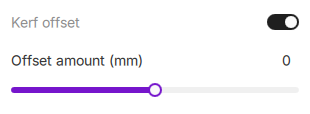
¶ 2. Effect Comparison
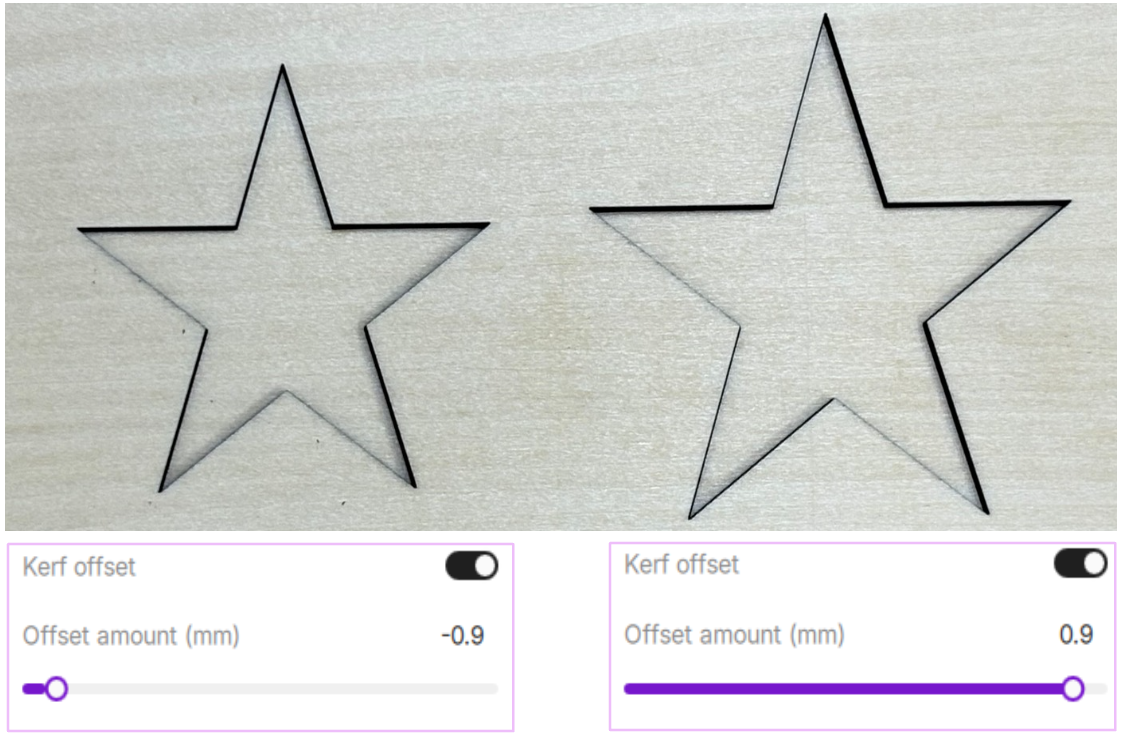
Setting appropriate Offset amount (mm) values significantly improves dimensional accuracy. Without compensation, parts end up smaller than designed. With excessive compensation, parts exceed the intended dimensions.
¶ 3. Use Cases
- Precision parts requiring exact dimensional accuracy
- Assembly pieces needing tight fits (puzzles, snap-fits, mortise-and-tenon joints)
- Nested cutting projects where internal and external dimensions must match perfectly
¶ 4. How to Set Kerf Offset
- Ensure the operation type is set to Cut.
- Toggle the Advanced switch (in the top-right corner of the Parameters panel) to enable advanced options.
- Toggle the switch next to Kerf offset.
- Adjust the Offset amount (mm) using the slider or by entering a value manually.
¶ 4.1 Positive Offset (Outward Expansion)
Positive offset expands the cutting path outward, ensuring finished parts match the designed dimensions. Use this when cutting standalone pieces where you want the final size to exactly match your design.
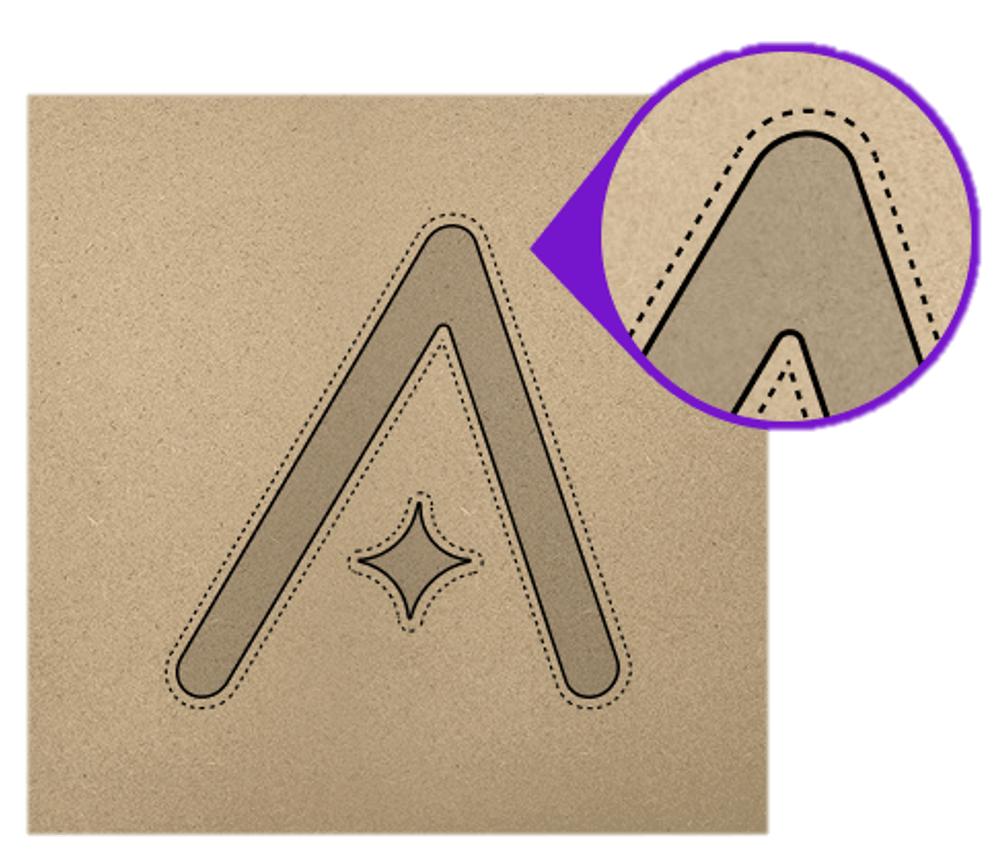
¶ 4.2 Negative Offset (Inward Contraction)
Negative offset contracts the cutting path inward, ideal for parts requiring tight fits. Use this when cutting holes where you want the inserted piece to fit perfectly.
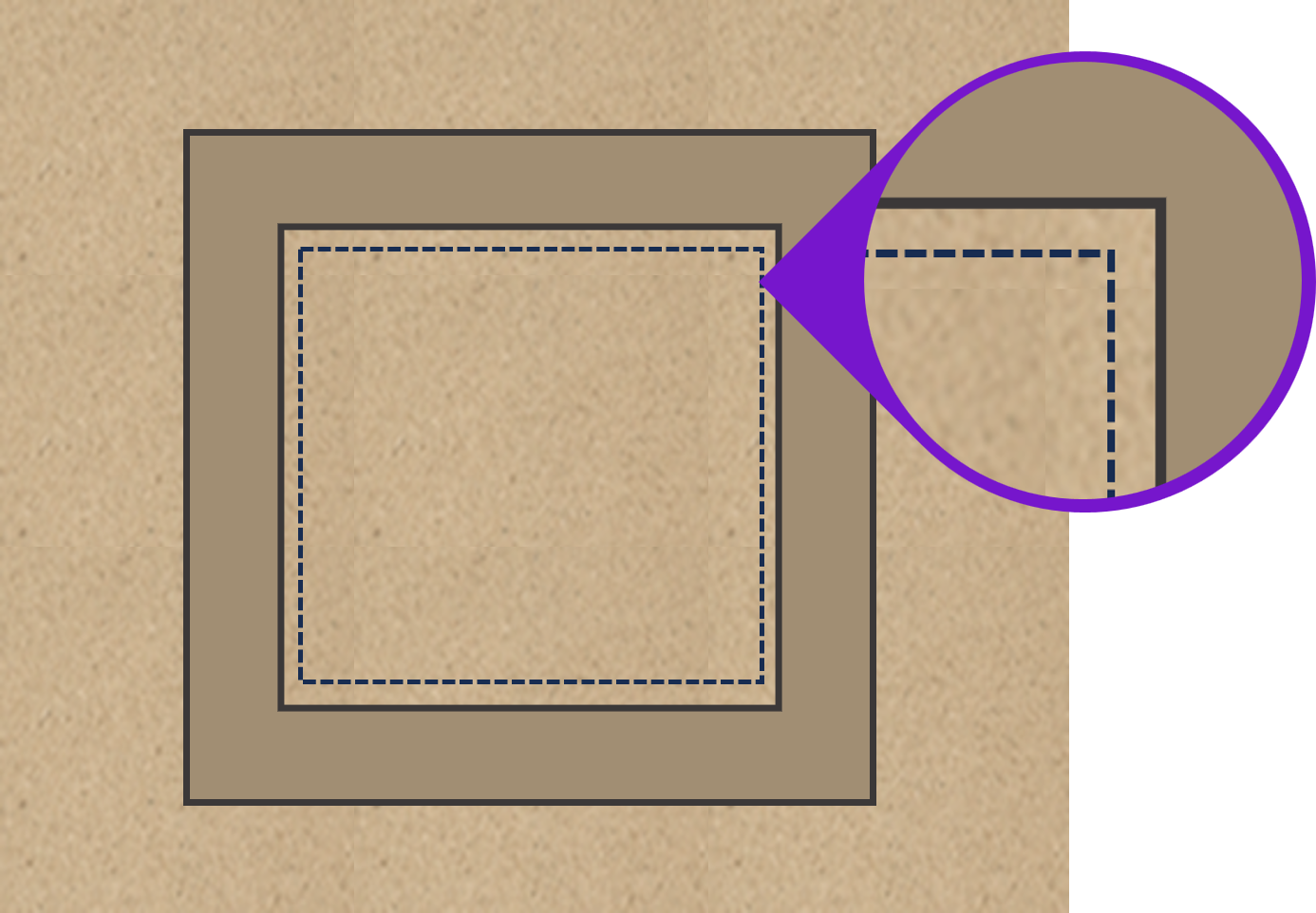
¶ 5. Parameter Specifications
| Parameter | Description |
|---|---|
| Default Value | 0mm (no compensation) |
| Offset Range | -1mm to 1mm |
| Precision | Supports up to two decimal places |
| Overlimit Handling | Values outside the range are automatically clamped to the boundary |
¶ 6. Usage Tips
- Test before production: Cut a test square (e.g., 20mm × 20mm) with the same material, measure the actual size difference, and calculate the required compensation.
- Material-dependent values: Kerf width and required compensation vary with different materials, power settings, and speed settings—readjust when changing parameters.
- Nested cutting technique: Apply positive offset to outer contours and negative offset to inner holes for perfectly matching parts.