Boolean operations allow you to combine, intersect, or subtract multiple vector objects to form new shapes. With these tools, you can quickly build complex vector designs—such as merging two shapes into one or carving one shape out of another.
Aliencell Space provides four Boolean operation types: Union, Intersect, Subtract (Top), and Exclude.
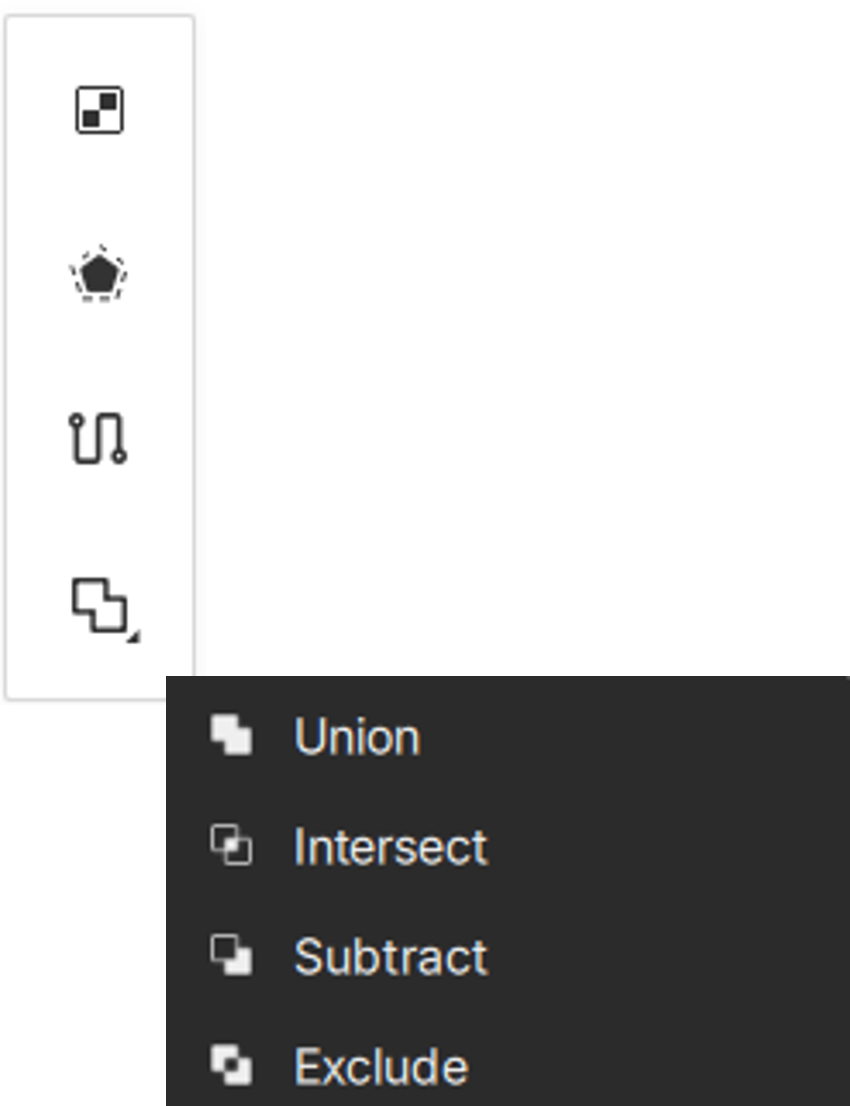
¶ 1. Boolean Operation Rules
-
Requirements: Boolean operations require selecting at least two vector objects. Images, masks, and grouped objects cannot participate in Boolean groups.
-
Result: The software generates a new Boolean Group, shown as a single object in the Layer panel. You can reorder or reposition the child objects, and the Boolean result will update in real time.
-
Job Parameter Behavior: The Boolean group inherits job parameters as a whole. Parameters of individual child objects become hidden and cannot be edited separately.
-
Editability: Double-click the Boolean group to enter it and edit sub-objects, adjust their size, or reposition them. You can also drag new vector objects into the group to add them to the Boolean calculation.
-
Ungroup: Select a Boolean group and choose Ungroup to dissolve it. All child objects will return to independent vector shapes.
¶ 2. Union
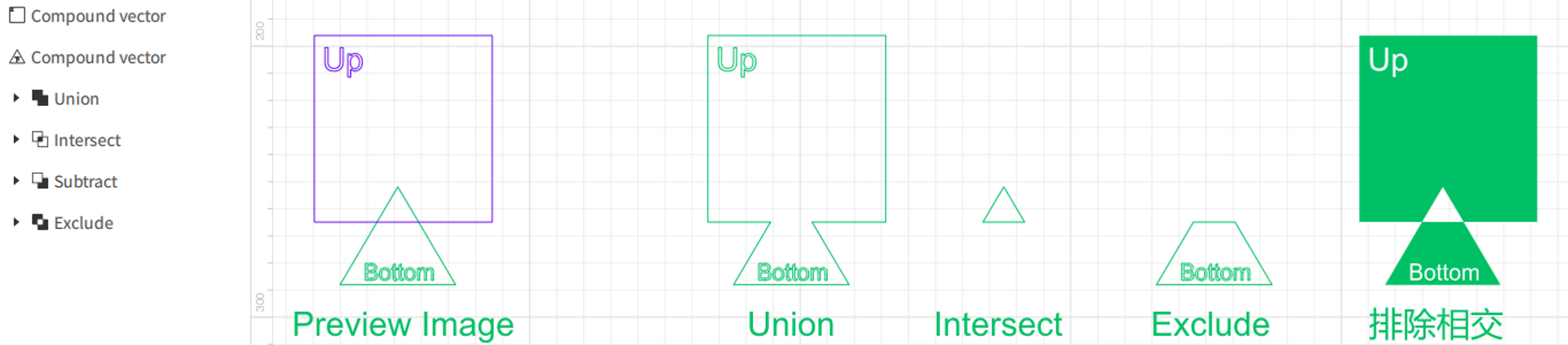
Union merges all selected objects into a single combined shape while preserving all visible regions.
¶ 2.1 How to Use Union
- Select two or more vector objects.
- In the object tools on the upper-right of the canvas, click the
 Boolean icon and choose
  Union.
 - A Boolean group is generated, and the original shapes become its child objects.
¶ 2.2 When to Use Union
- When you want multiple shapes to form one seamless object.
- Useful for creating continuous outlines, combining text with shapes, and similar tasks.
¶ 3. Intersect
Intersect keeps only the overlapping area shared by all selected objects.
¶ 3.1 How to Use Intersect
- Select two or more shapes.
- In the Boolean tool menu, click
 Intersect.
 - Only the overlapping regions remain.
¶ 3.2 When to Use Intersect
- To obtain the precise overlapping region of multiple shapes.
- Ideal for creating window-style designs or aligning complex geometry.
Non-closed vector paths may produce empty results when using Intersect.
¶ 4. Subtract (Top)
Subtract (Top) removes the overlapping region of the topmost shape from the shape beneath it.
¶ 4.1 How to Use Subtract (Top)
-
Select two or more shapes.
-
Click
 Subtract (Top).
 -
The lowest object is cut by the objects above it.
-
If the bottom object is hidden, the next visible object becomes the new base layer.
¶ 4.2 When to Use Subtract (Top)
- To create cutouts or hollow shapes.
- Useful for carving out windows, outlines, and layered visual effects.
¶ 5. Exclude
Exclude removes all overlapping regions and keeps only the non-overlapping parts of the selected shapes.
¶ 5.1 How to Use Exclude
- Select two or more objects.
- Click
 Exclude.
 - All overlapping regions are removed automatically.
- Areas overlapped an odd number of times are kept; areas overlapped an even number of times are removed.
¶ 5.2 When to Use Exclude
- To remove shared regions and keep only the separated parts of shapes.
- Useful for decorative outlines, layered graphics, and complex edge designs.