The Framing feature allows you to preview the exact position and dimensions of the job on the material before you begin cutting or engraving. This enables precise positioning and alignment, helping to avoid errors and material waste.
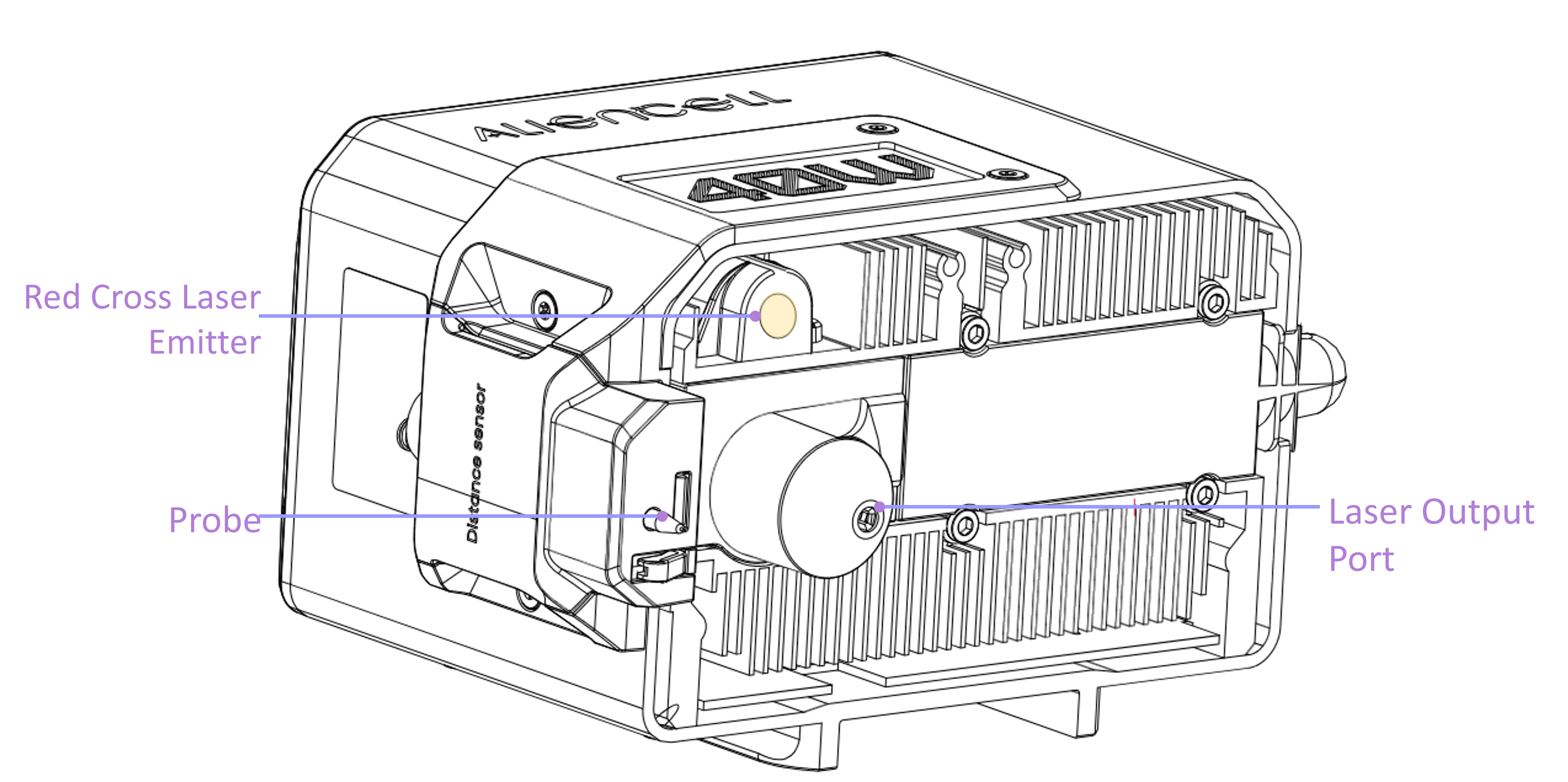
During framing, the low-power visible red laser designed for positioning is used, while the high-power laser for engraving or cutting remains inactive, making this a safe preview operation.
¶ 1. Operation Instructions
-
After clicking the
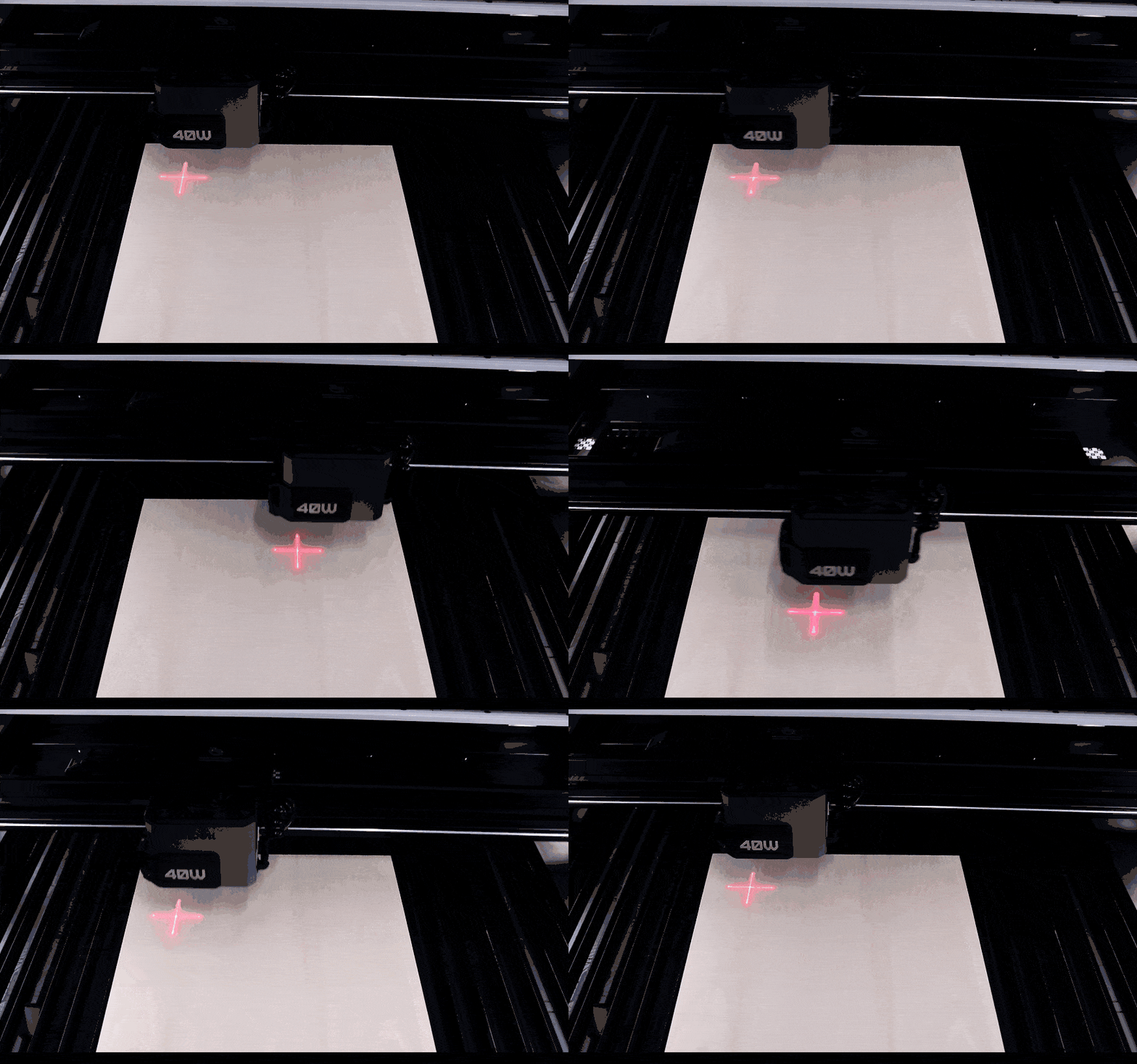
 button, the laser head will trace the rectangular bounding box of the selected design.
-
Upon completion, it will automatically return to the job's starting point. You can repeat this process as needed to adjust the position of the material or the design within the software.
-
After clickling the
 button,Enter the framing setting and change the laser head movement speed by dragging the slider or entering a number.
-
Please adjust the speed examples according to your actual scenario.
¶ 2. Precautions
- If you attempt to run the Framing function without any visible objects in the workspace, the system will display a prompt: "No processable objects in the current workspace".
- The emitter for the red crosshair positioning light is located in front of the main laser aperture. Consequently, the red positioning light cannot reach the topmost area of the canvas. This is a normal physical limitation; the laser is still capable of processing the entire working area of the canvas.
