Material settings allow you to choose the material type and its thickness for your current job. Since different materials (such as wood, acrylic, or metal) react very differently to laser energy, selecting the correct material type enables the software to automatically configure a reliable set of initial processing parameters.
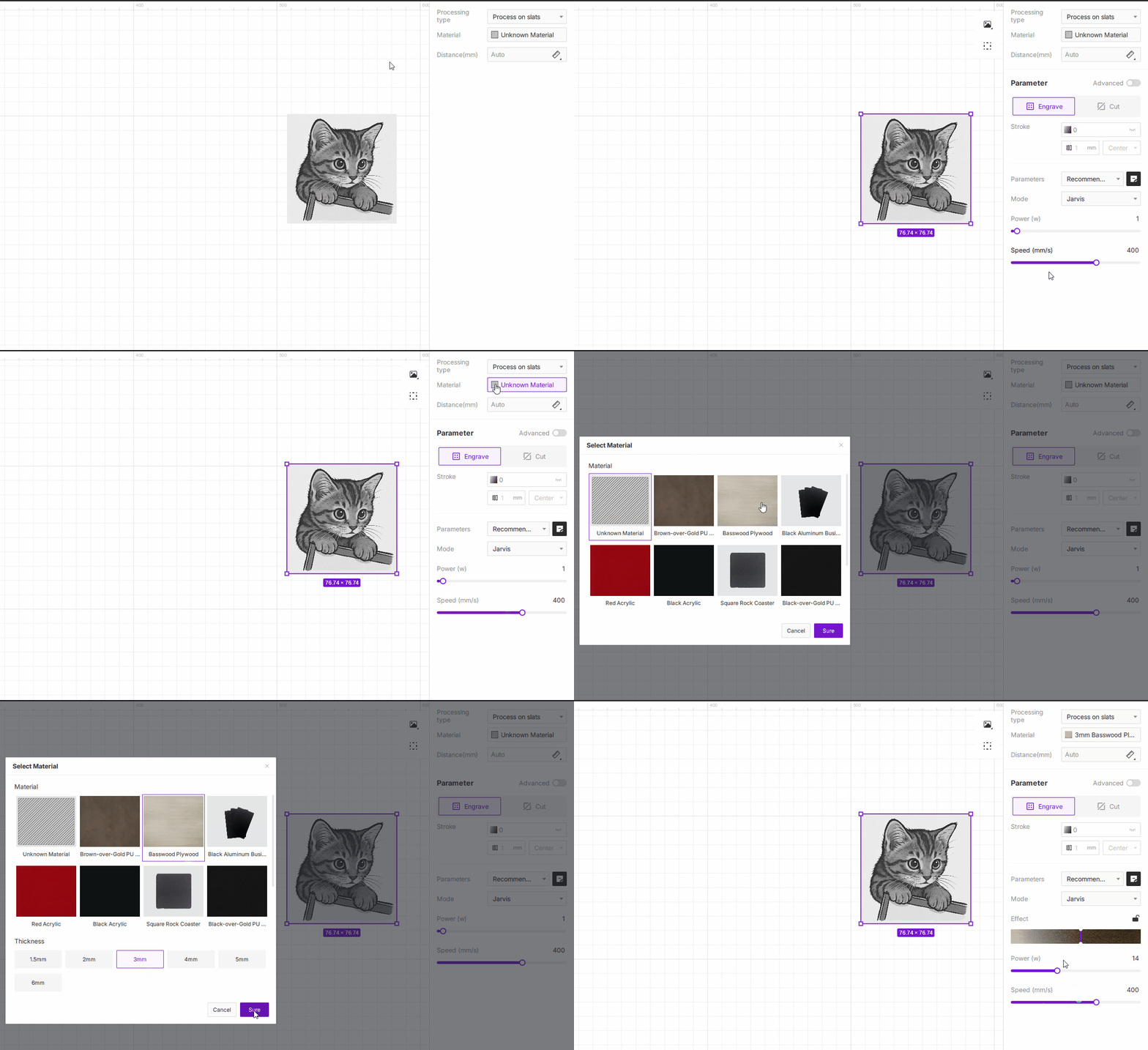
¶ 1.Select Material Type
Click Material in the parameter panel to open the material library. You can choose the material type that matches what you are currently working with.
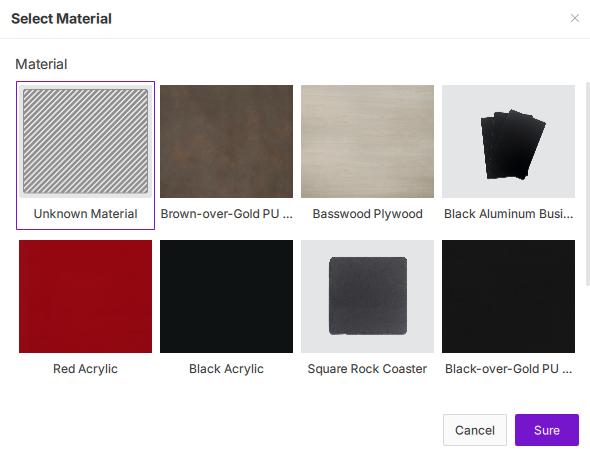
¶ 2.Select Material Thickness
Material thickness is a key factor that affects focus, cutting depth, and energy delivery.
- How to choose:
After selecting a material type, the commonly used thickness options (e.g., 3mm, 4mm) will be displayed below. Simply click the option that matches the actual thickness of your material.
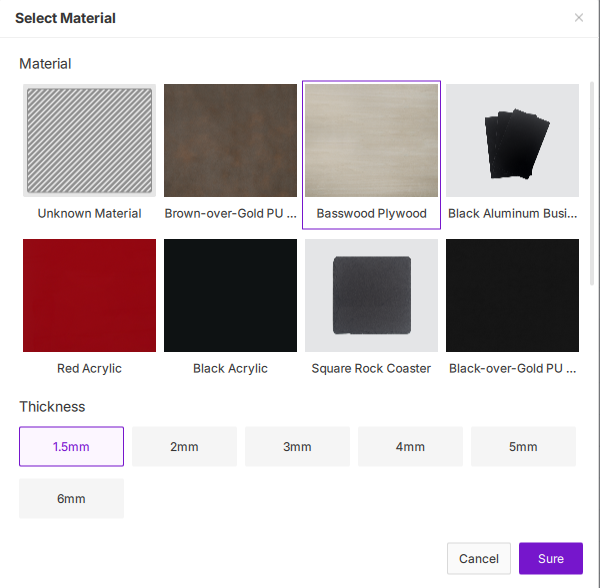
¶ 3.Unknown Material
If the material you are using is not included in the system’s material list, select Unknown Material.
- Choose Unknown Material (the first option in the list) whenever you are working with a material that is not included in our preset library. This is also the default option when launching the software for the first time.
- When Unknown Material is selected, the software will not provide any recommended parameters. You will need to manually configure all processing settings—such as power, speed, and the number of passes—based on your own experience or by performing test runs.