The Accessory Information interface displays the currently connected external accessories. You can quickly view and manage the operational status of these accessories. When the  icon in the right-hand sidebar is clicked, a list of connected accessories will pop up at the bottom of the screen.
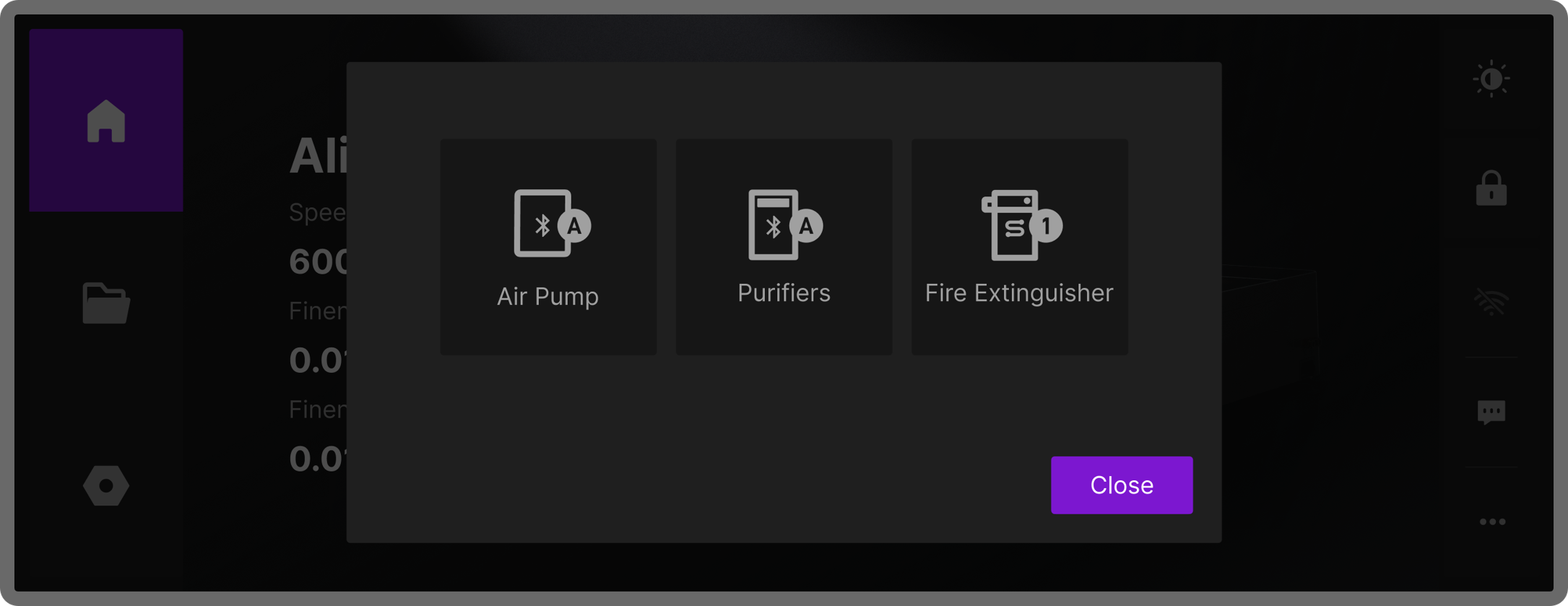
Viewable accessories include: Air Assist, air purifier, and flame safety device.
¶ Air Assist Management
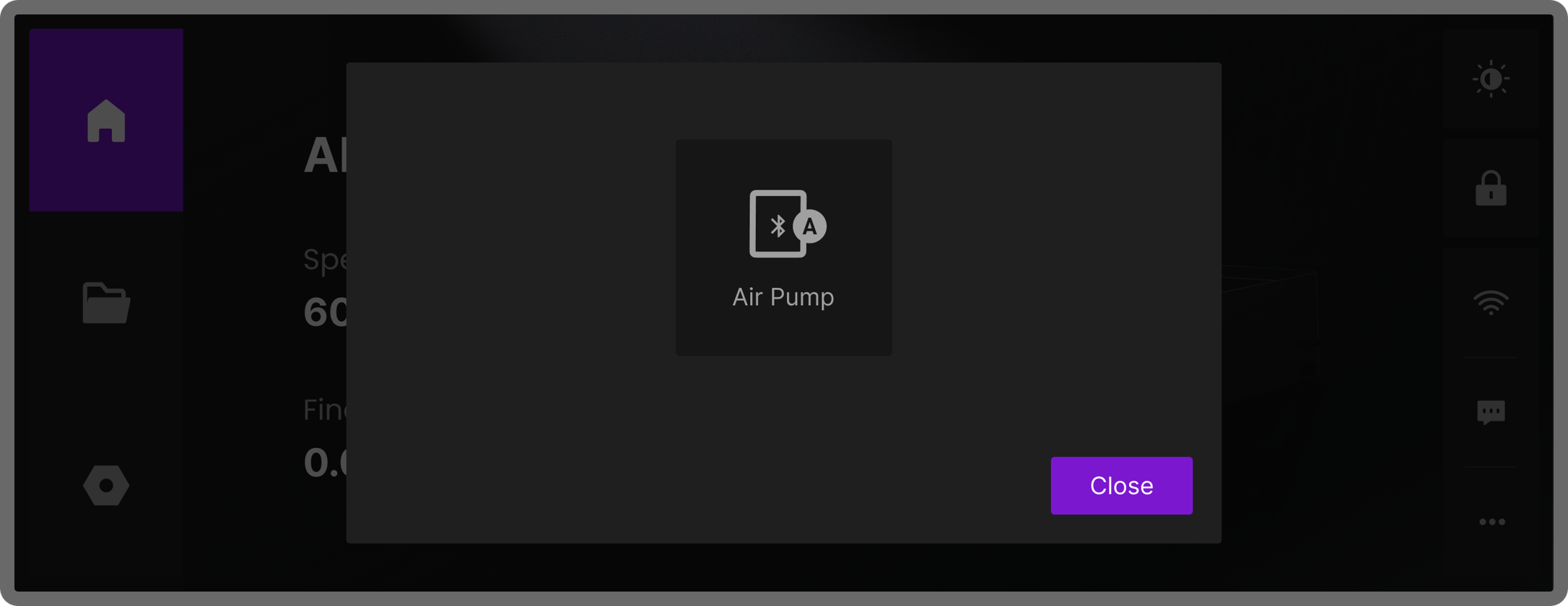
When the device is connected to an air assist, tapping the Air Assist icon will open the air pump settings window. Tap Air Assist Set to enter the air pump mode adjustment page, where you can select the following modes:
- OFF: Turn off the air pump
- 1: Low airflow
- 2: Medium airflow
- 3: High airflow
- Auto: Automatically adjust based on the device's processing situation
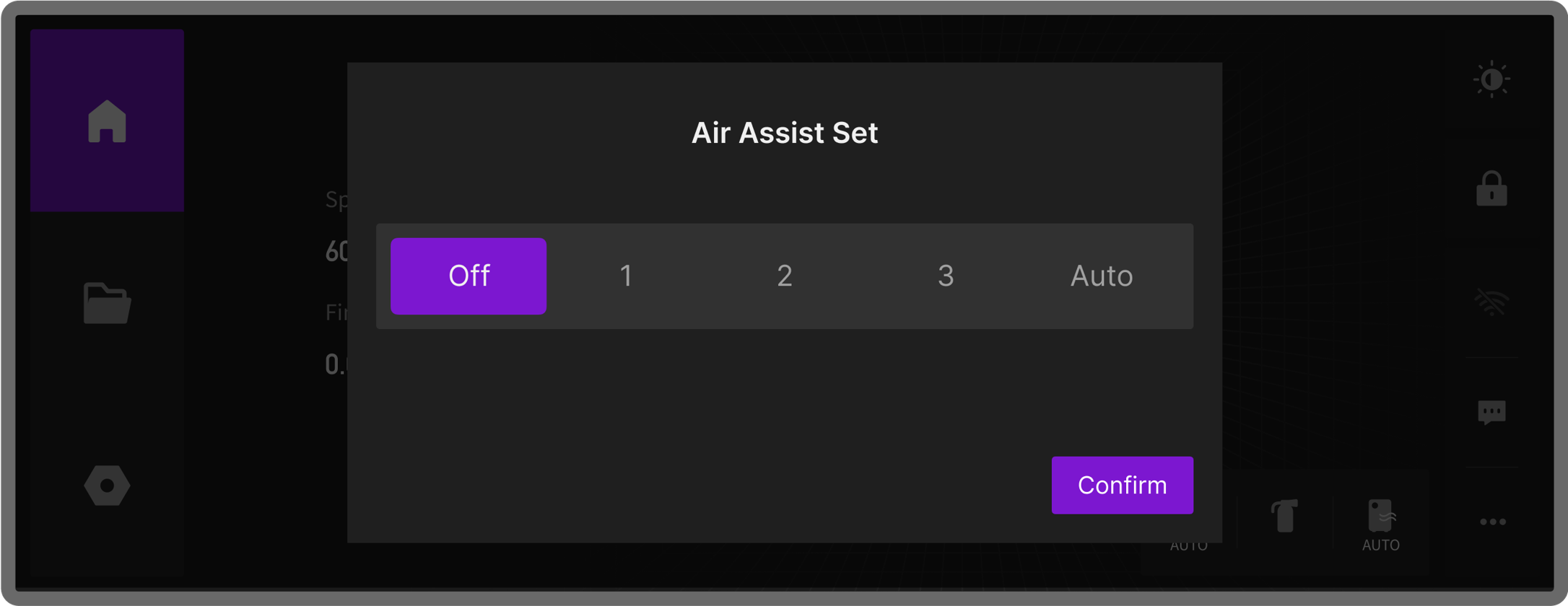
Once you select a mode on the touchscreen, the connected air assist will immediately switch to the corresponding mode, and the indicator light on the air pump will light up to show the active mode.
¶ Other Accessories
If the device is also connected to an Air Purifier or Flame Safety Device, their icons will appear in the pop-up list as well. You can click the corresponding icons to view or adjust their operational status.