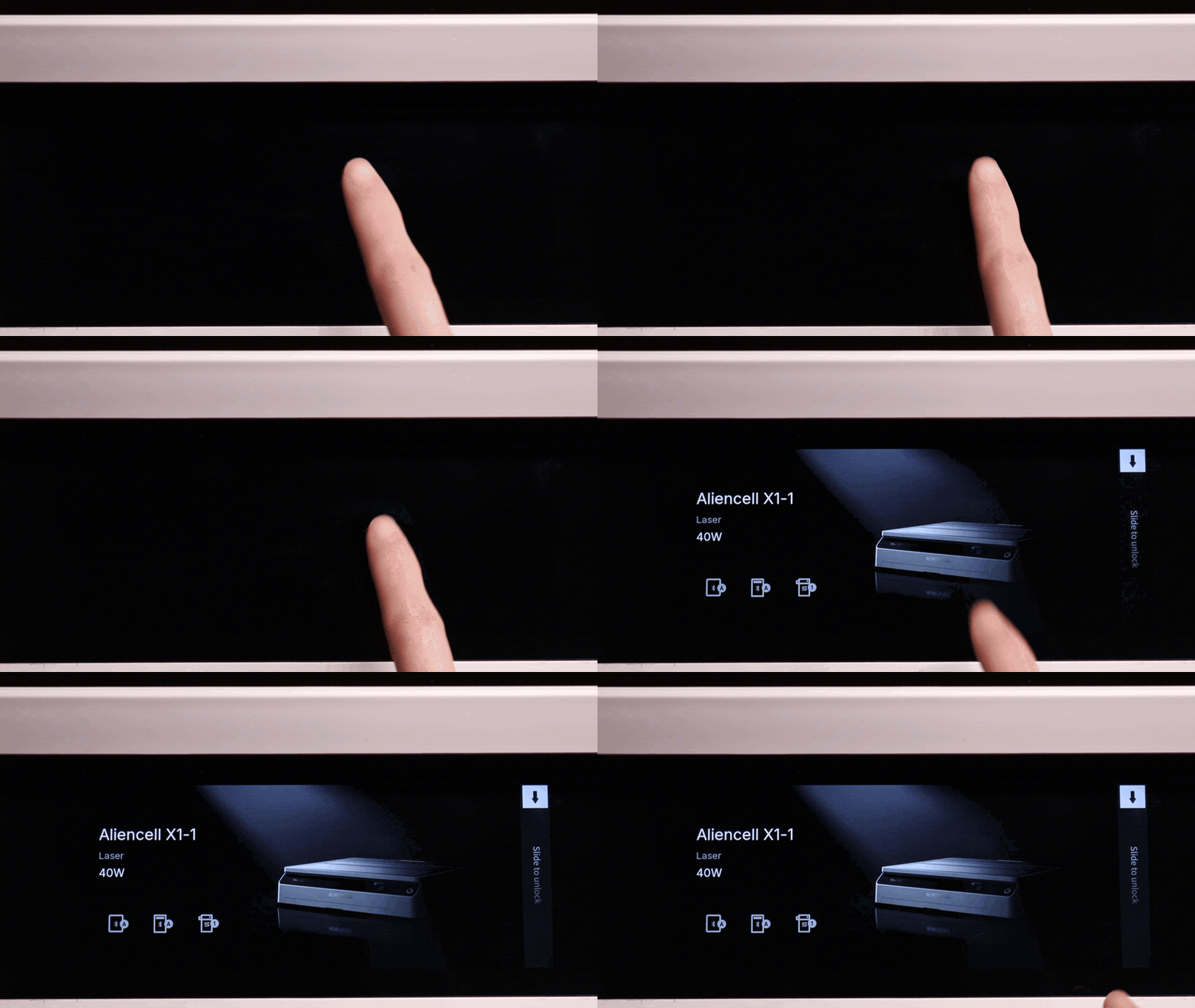
The Auto Screen Off feature automatically turns off the touchscreen display after a period of inactivity. This helps save energy and extends the screen’s lifespan.
¶ Auto Screen Off Settings
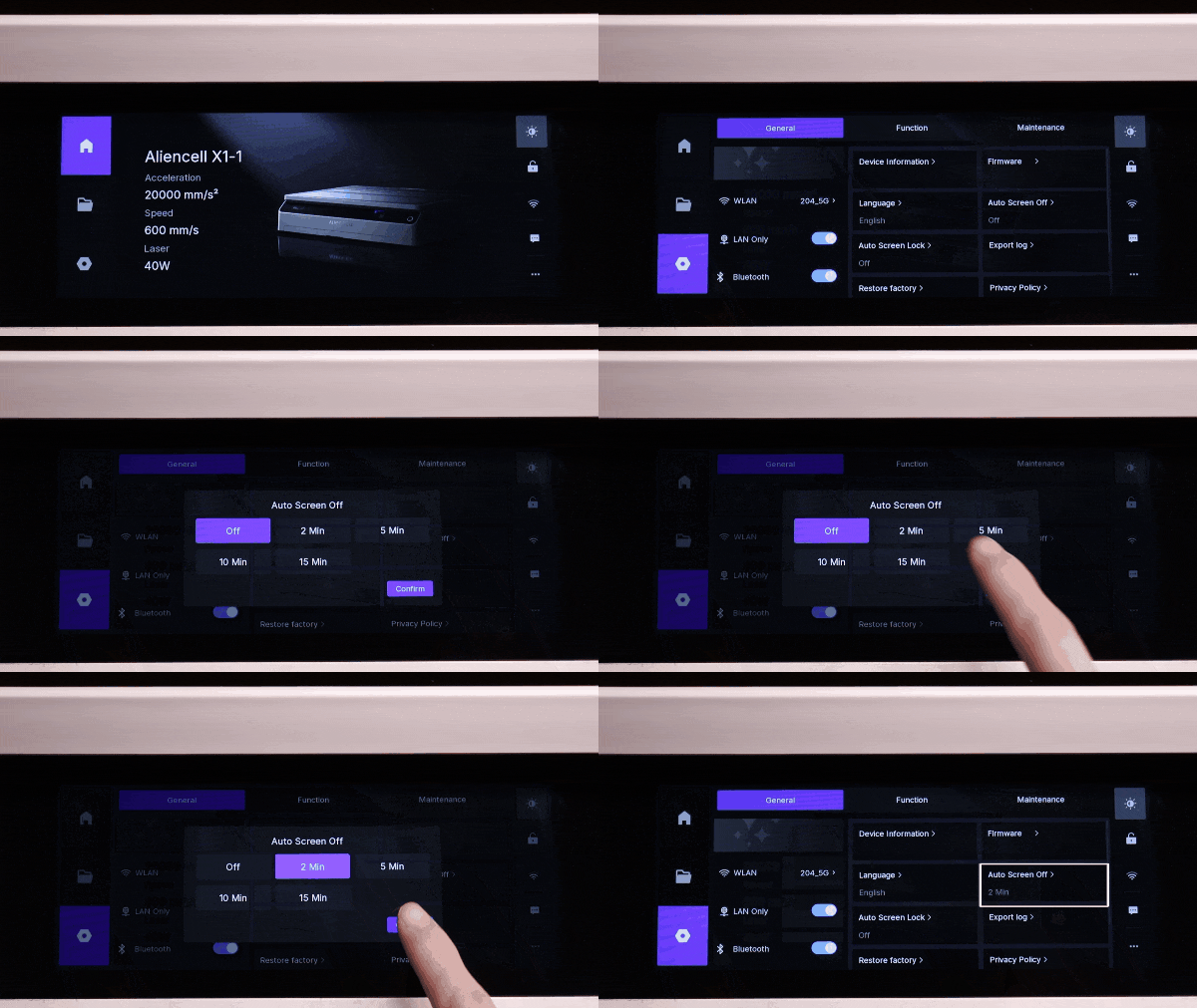
Tap the  icon to open the General page, then select Auto Screen Off.
In the pop-up window, set how long the touchscreen should wait before turning off when not in use: 2 Min / 5 Min / 10 Min / 15 Min.
Choose Off to disable the feature. Once selected, tap Confirm to save your settings.
Screen Off Time means that if no touch or operation is detected within the set time, the touchscreen will automatically turn off and enter sleep mode. The device itself (e.g., ongoing jobs) will continue running.
- Waking the Screen: When the screen turns off after the set time, simply tap the touchscreen to wake it up.