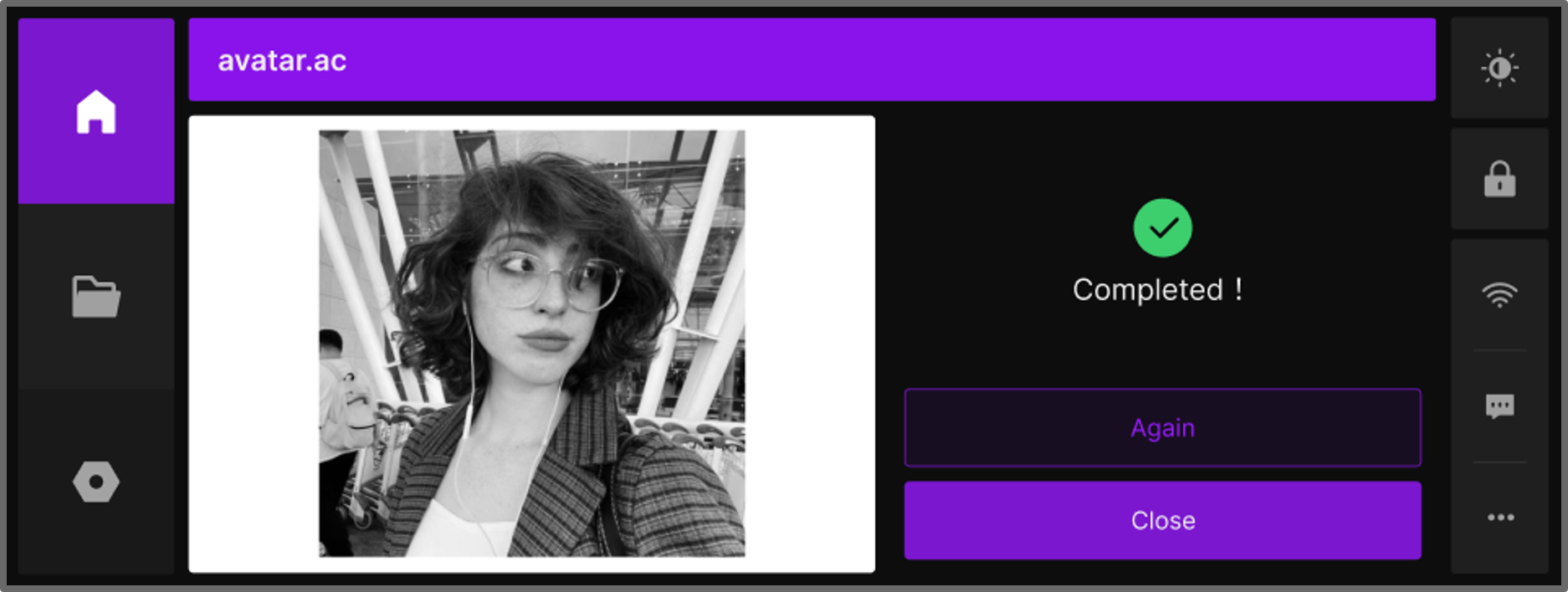
The Device Status page provides a dynamic view of the machine’s real-time condition, including Standby Mode and Job Mode. On this page, you can check basic device information, monitor key parameters, and, during operations, track job progress, view live footage, and control the workflow.
¶ 1. Standby Mode
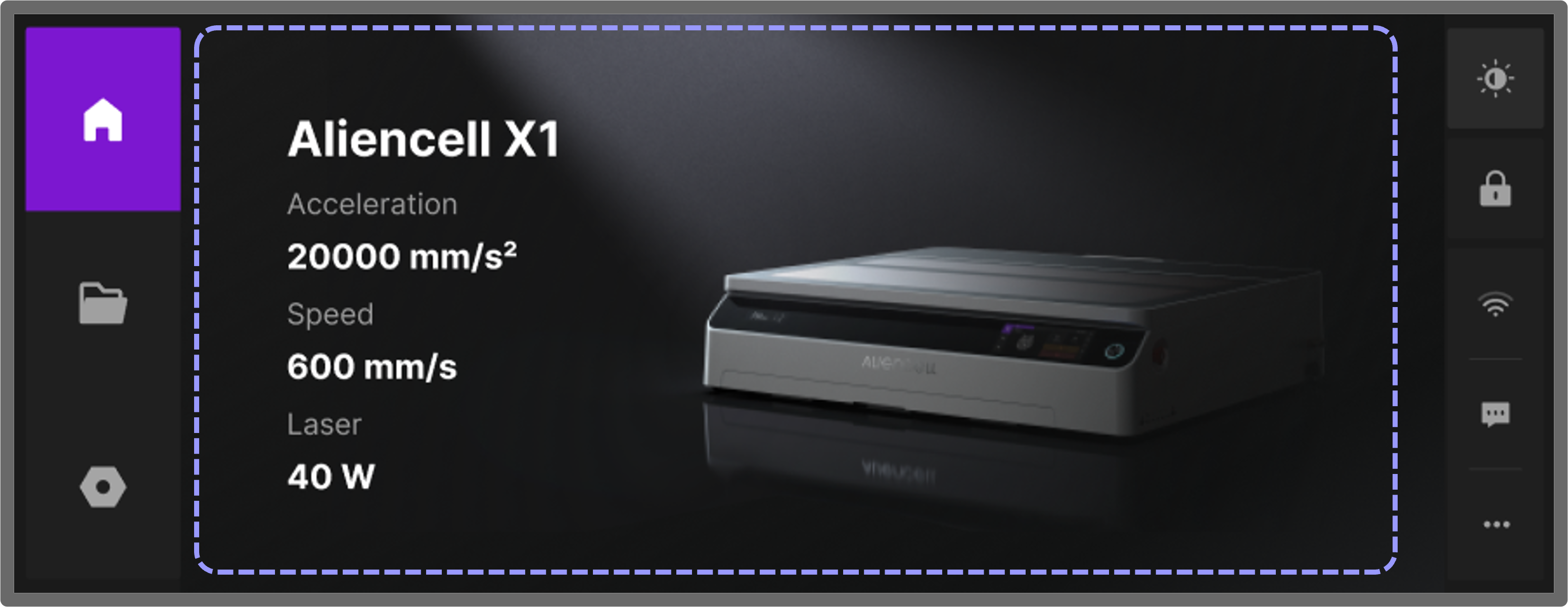
When the device is powered on but has not started any processing tasks, the homepage will display this Standby Status page. It provides basic information about the device:
- Device Name: Aliencell X1
- Key Device Parameters:
Acceleration: Maximum acceleration of the device’s motion system.
Speed: Maximum operating speed of the motion system.
Power: Maximum rated power of the laser.
This page is the default homepage, allowing you to quickly verify the device identity and check key parameters. Once a processing job begins, the Device Status page switches from Standby to Job Mode.
¶ 2. Job Mode
¶ 2.1 During a Job
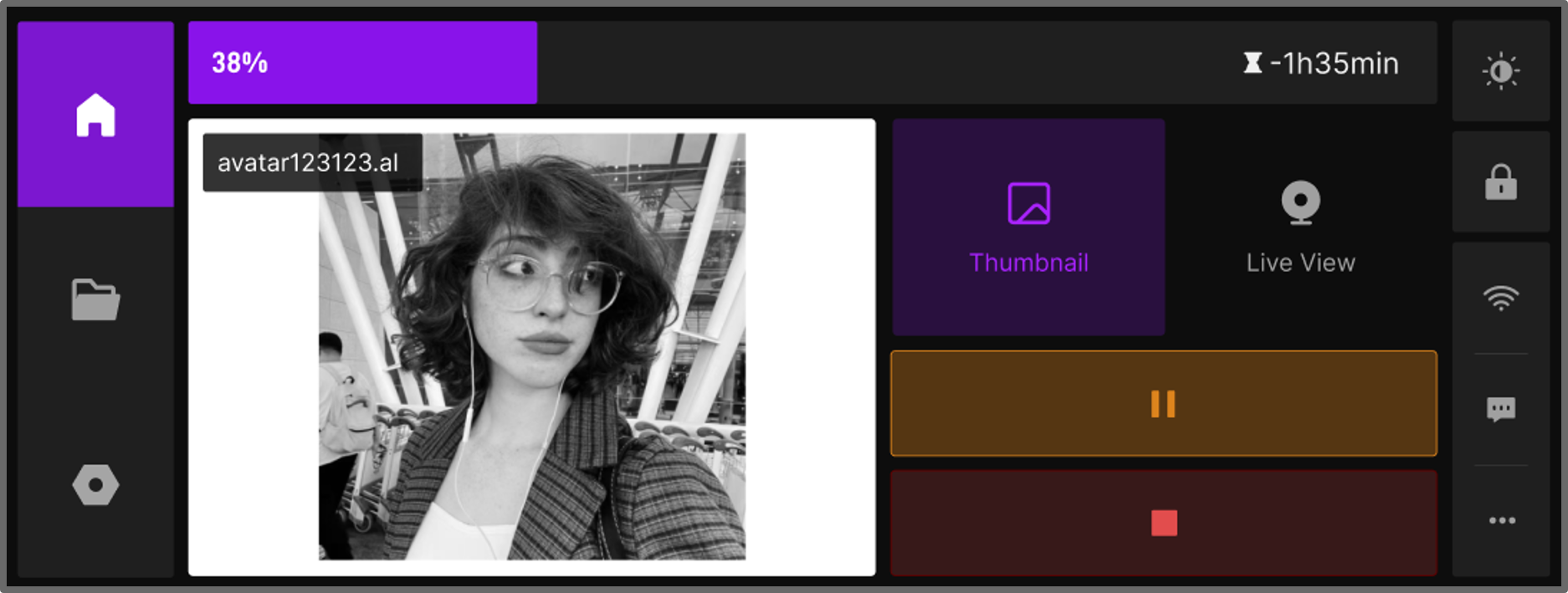
The Job page lets you monitor and manage ongoing tasks. In Job Mode, you can view the canvas Thumbnail and watch the real-time feed through Live View on the Aliencell X1 touchscreen.
- Thumbnail
Click Thumbnail to view a small preview of the canvas, showing the current processing content.
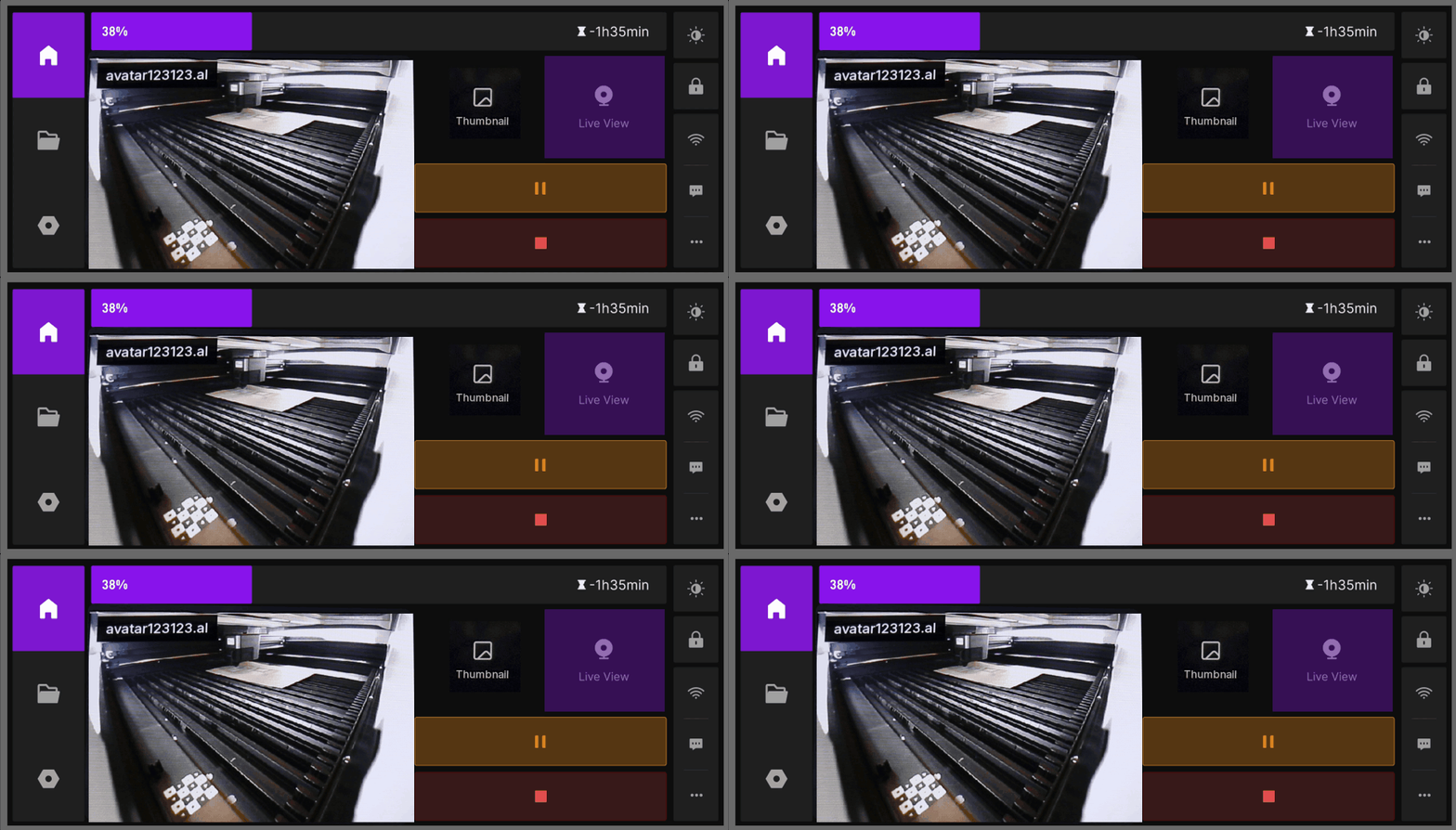
- Live View
Click Live View to watch the processing in real time through the machine’s built-in monitoring camera.
During processing, if you need to pause the job, click the  button, and the device will pause the current task.
¶ 2.2 Resuming a Job
After pausing, click the  button to resume the job.
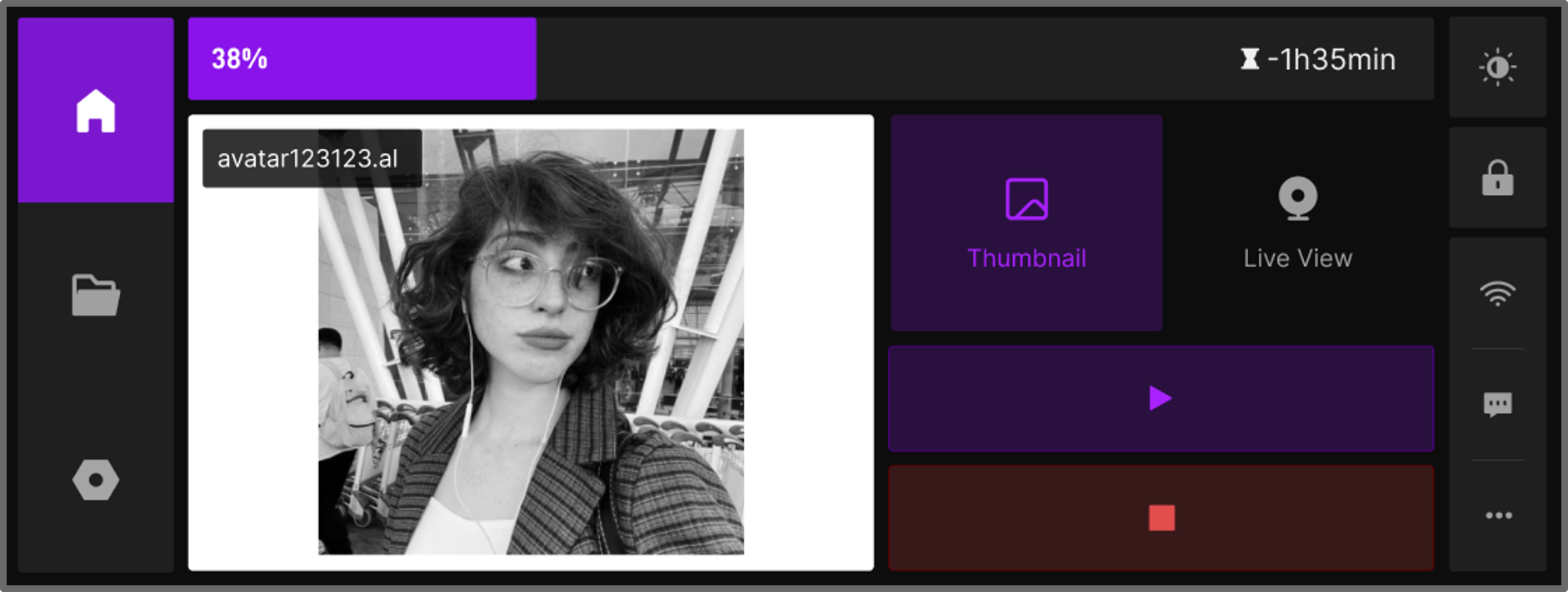
If you want to cancel the job at any time, click the  button.
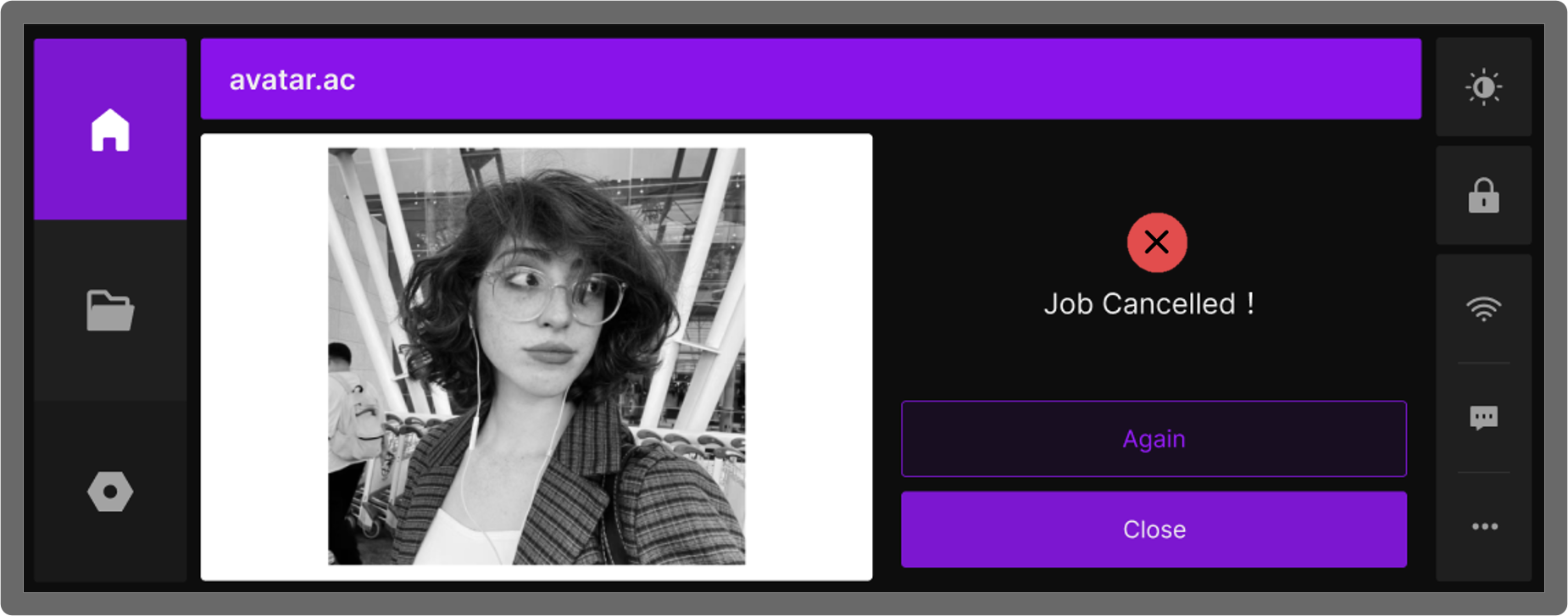
¶ 2.3 Cancelled Job
¶ 2.4 Job Completed