The Aliencell X1 touchscreen supports eight languages, allowing you to switch the system interface language as needed.
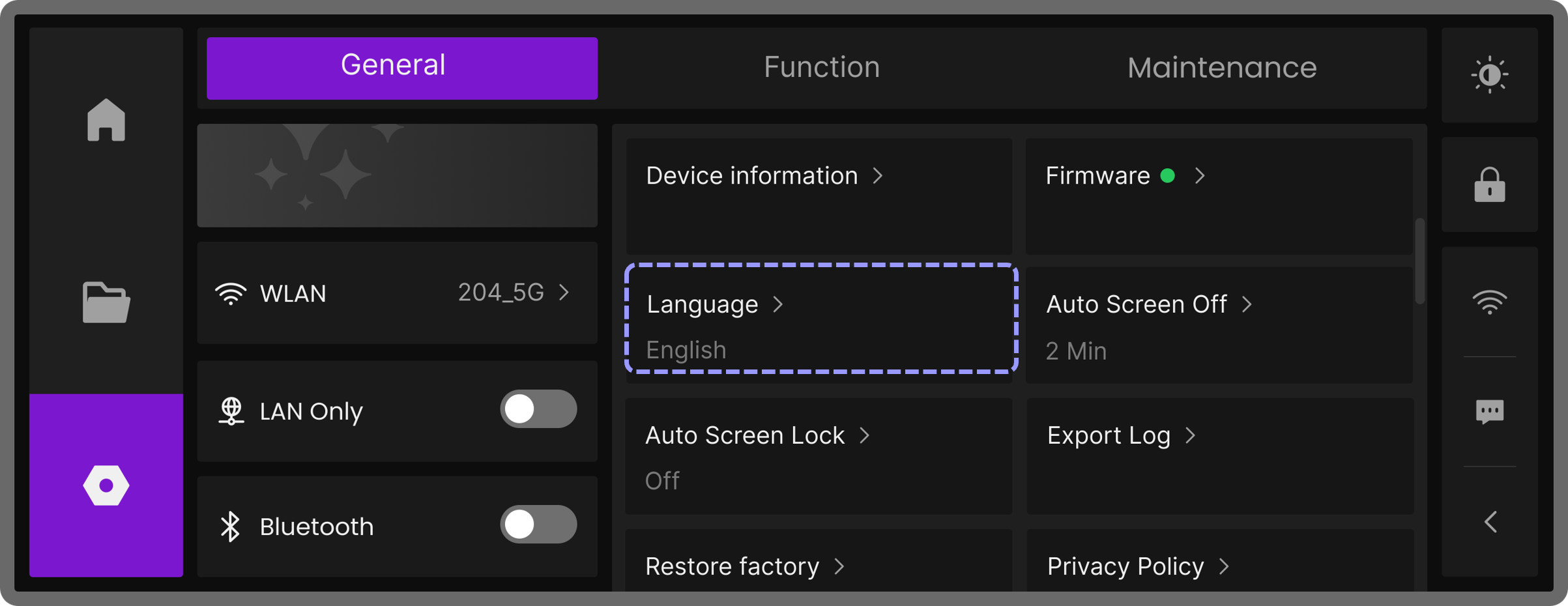
¶ Language Settings
Tap the  icon to open the General page, then locate the Language option. In the pop-up language selection window, choose your preferred language and tap Confirm. The touchscreen will immediately switch to the selected language.
