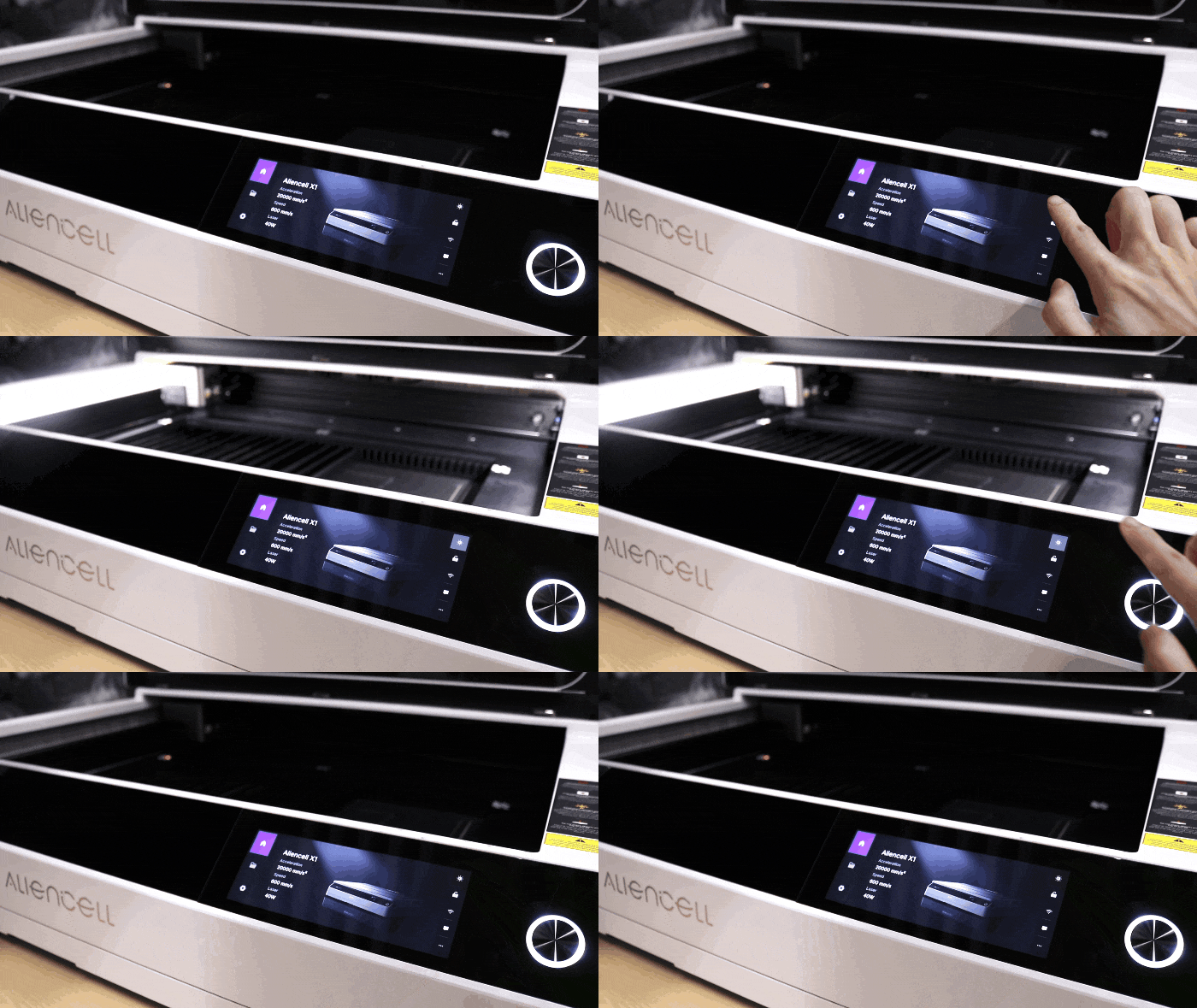
The LED illumination on the laser engraver is one of the machine’s essential auxiliary features. It provides clear lighting over the work area, helping you better monitor and operate the engraving process.
¶ 1. Adjusting Light Brightness
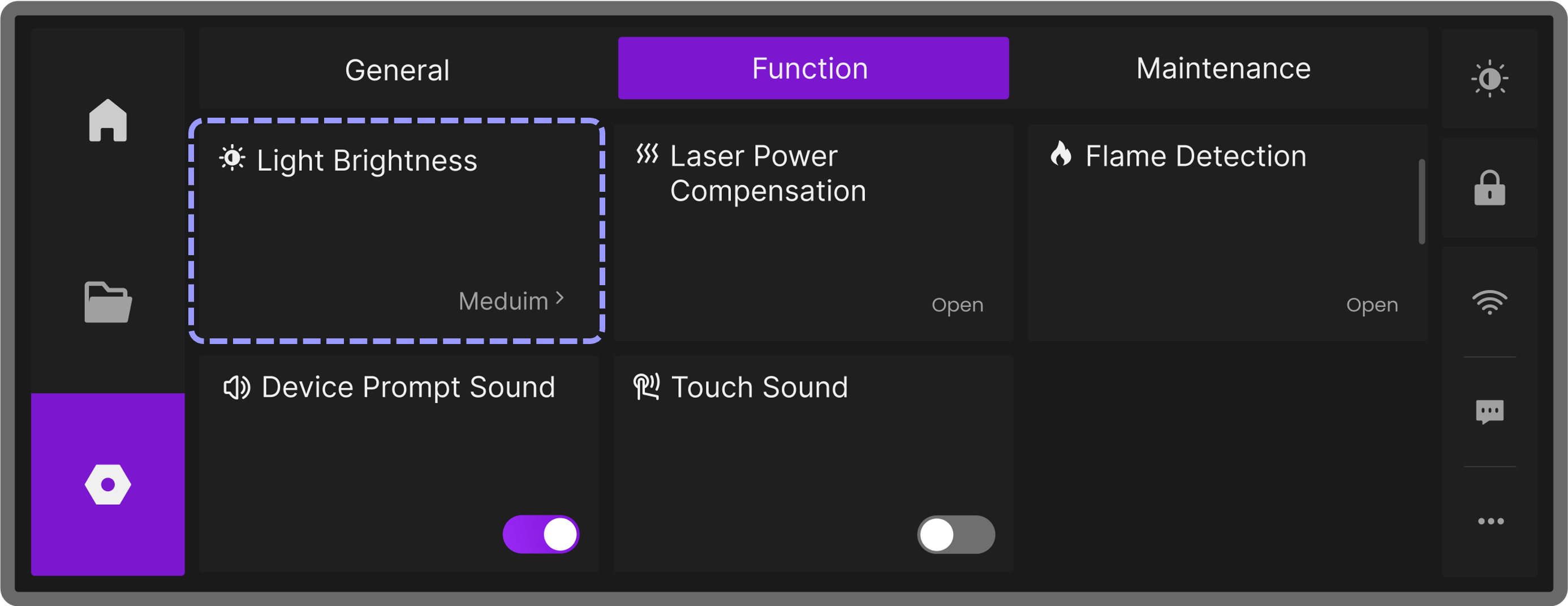
In the device settings under Function, find and tap Light Brightness. A window will pop up allowing you to adjust the LED illumination brightness level, showing three options: Low, Medium, and High, each corresponding to a different light intensity.
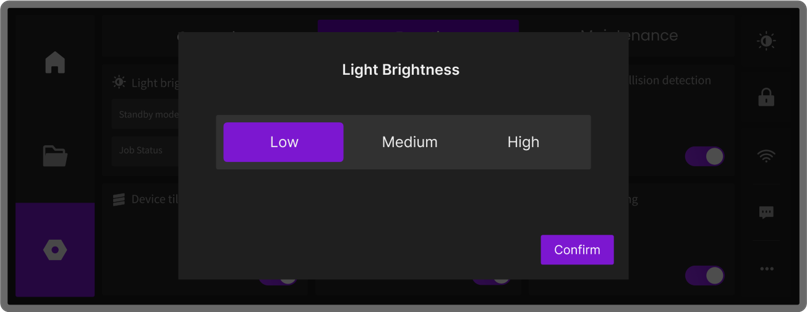
Select the desired brightness level:
- Low: Provides soft lighting.
- Medium: Provides moderate brightness.
- High: Provides the strongest illumination.
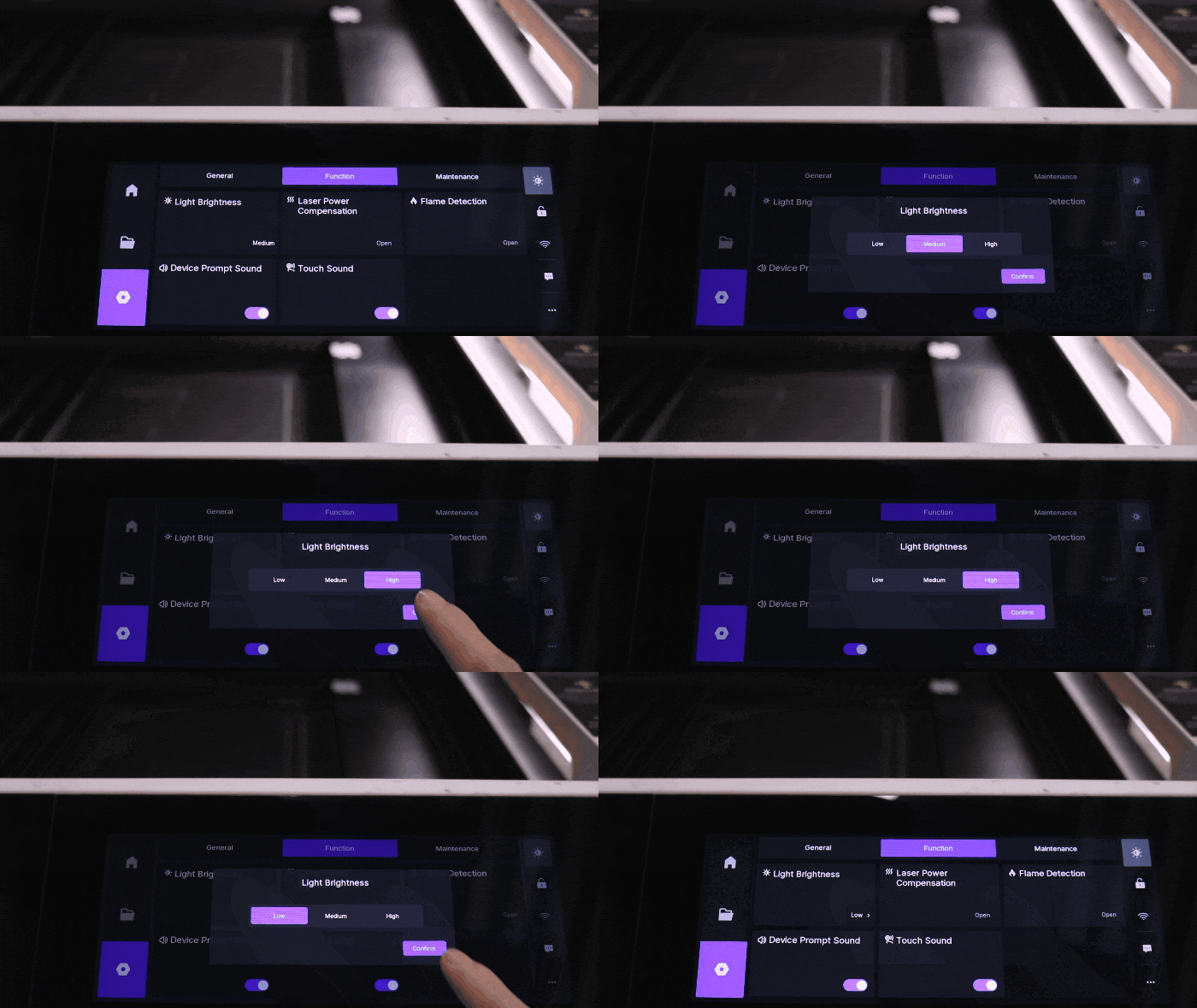
You can flexibly choose the most suitable brightness based on the working environment, material color, and personal preference to optimize the engraving experience and improve efficiency.
After selecting a brightness level, the choice is saved even after the device restarts. You can also see the current brightness level in the Function menu.
¶ 2. Turning the LED Illumination On or Off
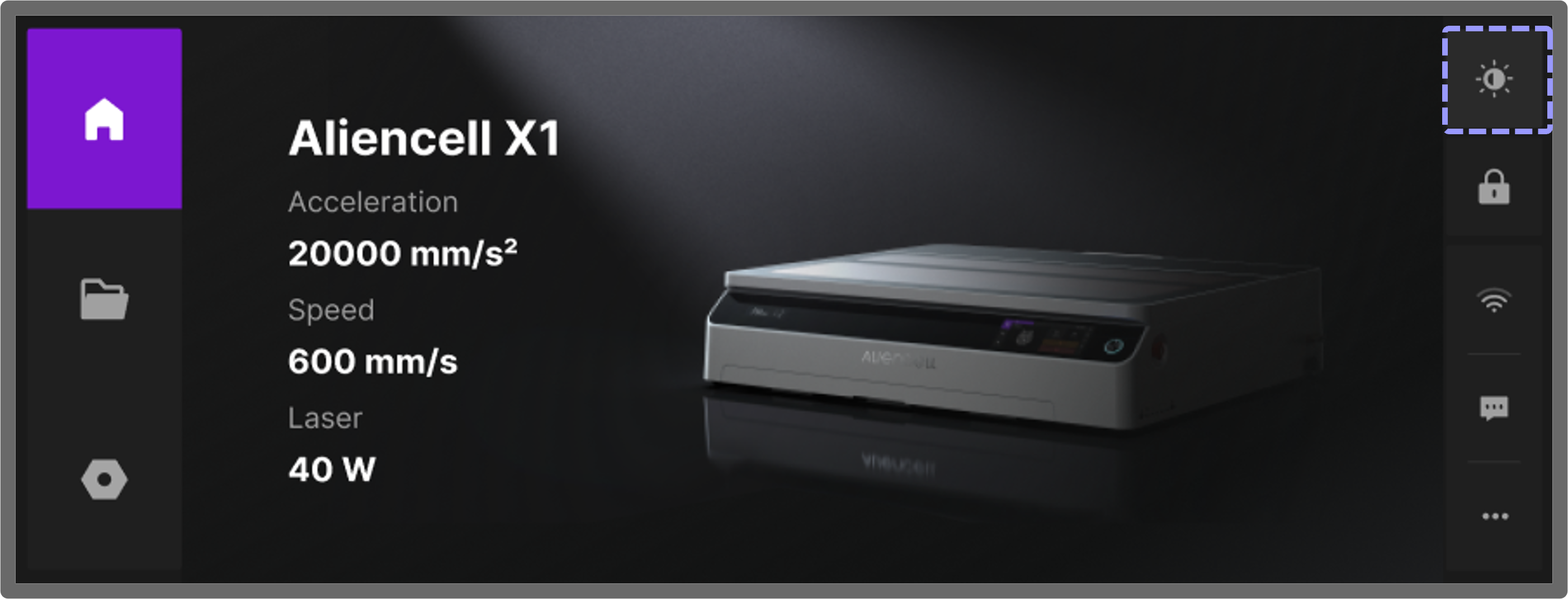
To manually turn the LED illumination on or off, tap the  icon on the right side of the touchscreen. When the lights are on, the icon background lights up; when the lights are off, the icon background dims.