The Message List is used to centrally display important information and system notifications during device operation. You can quickly check the device status, firmware updates, error alerts, and operation tips to ensure timely awareness and handling of relevant situations.
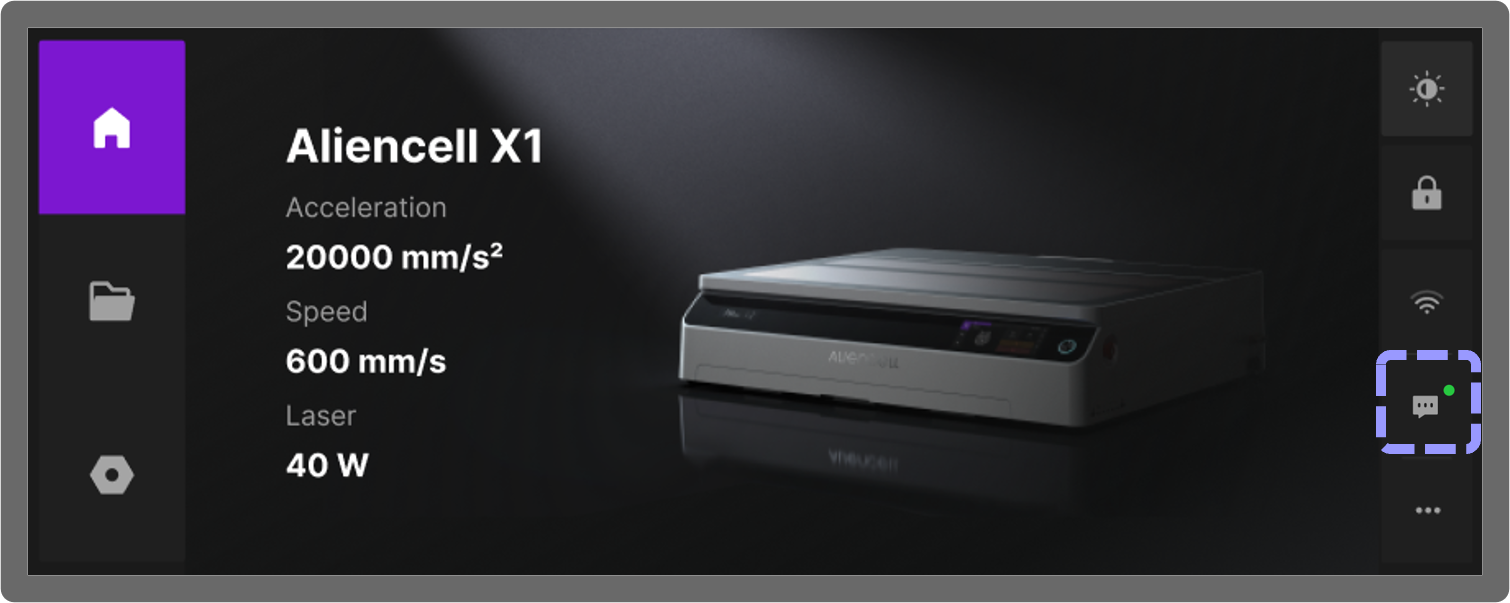
- When a green dot appears in the top right corner of the Message List icon, it indicates that there is a new message. After you click the
 icon, a message pop-up will slide out from the right side of the screen to display the latest notifications.
 - When an error prompt appears, click More to enter the detailed page. The page will display the error code and the corresponding solution, and provide a QR code link to the Aliencell Wiki help documentation.
- Click Ignore to dismiss the current message, or Clear to remove all displayed messages.
¶ Features Overview
-
Error Alerts
When the device detects operational issues (e.g., smoke exhaust fan blockage, focus failure, or job failure), an alert will appear in the Message List to help you quickly identify the problem. -
History
All past notifications and alerts are stored in the Message Center, allowing you to review them at any time without missing important information. -
Interactive Actions
You can click the corresponding alert in the Message List to view the solution for that issue.