¶ 1. Emergency Stop Button
The Emergency Stop Button on the laser engraver is a safety device designed to immediately cut off power or stop all motion and laser output in case of an emergency, preventing personal injury, equipment damage, or fire hazards.
¶ 1.1 Location of the Emergency Stop Button
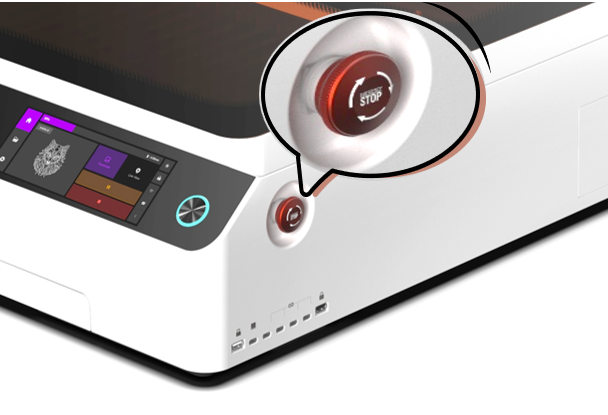
The Emergency Stop Button is located at the front right side of the machine.
¶ 2. Emergency Stop Procedures
¶ 2.1 Situations Requiring Immediate Action
Press the Emergency Stop Button immediately under the following conditions:
- Machine moves abnormally or is out of control
- Material catches fire or produces smoke
- Laser head collides with any object
- Machine emits unusual noise or odors
- Any situation that may threaten personnel or equipment safety
¶ 2.2 Steps for Operation
- Press the 🔴 red Emergency Stop Button at the front right (the button will lock in the pressed-down position)
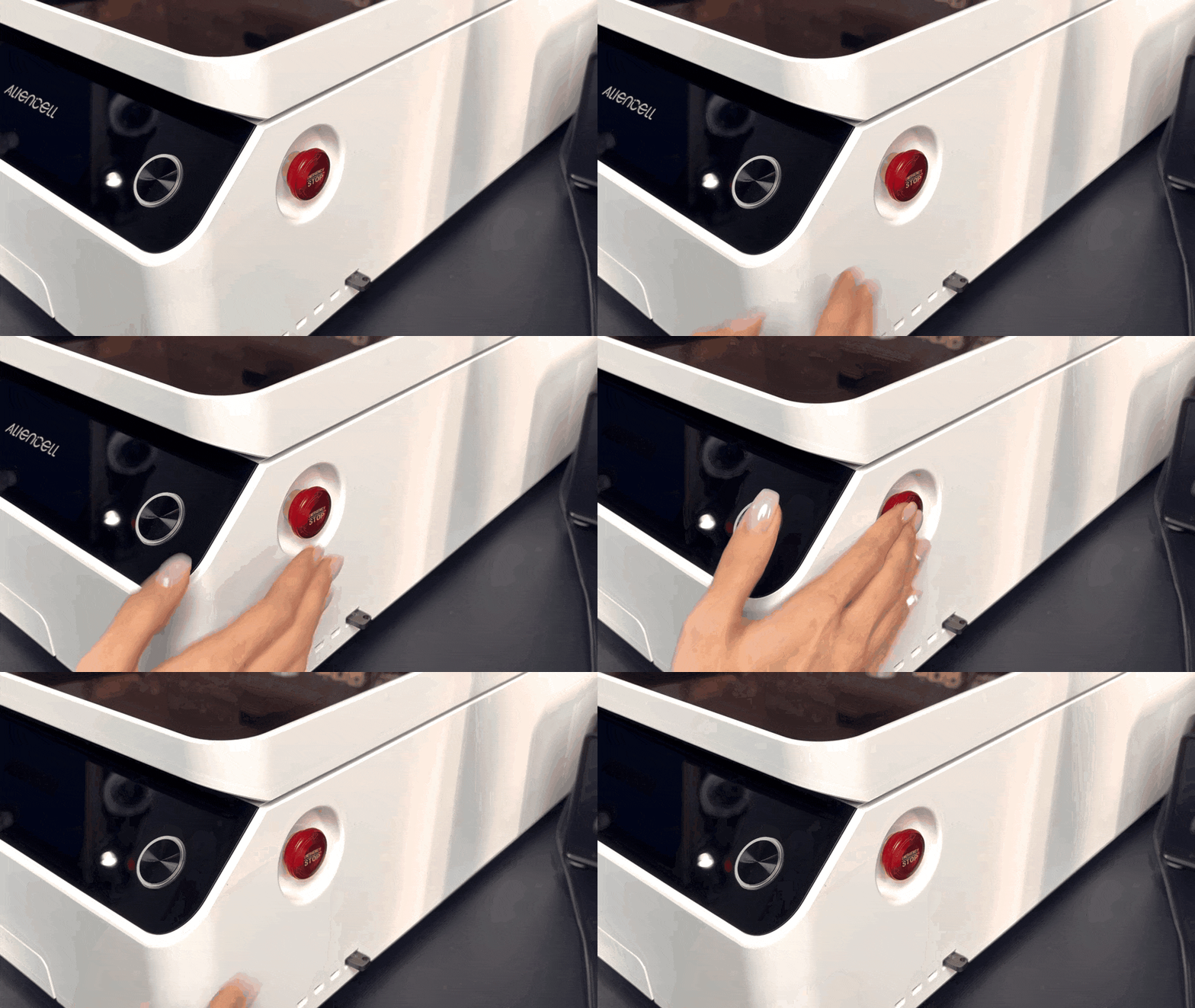
- Turn off the Main Power Switch (located at the rear right of the machine)
- Open the machine casing for ventilation
- Cover any burning material with the provided fire blanket (do not pour water directly)
¶ 3. System Reset Procedure
After the hazard is removed, follow the steps below to reset the Emergency Stop Button.
¶ 3.1 Steps for Reset
- Rotate the Emergency Stop Button clockwise to release it
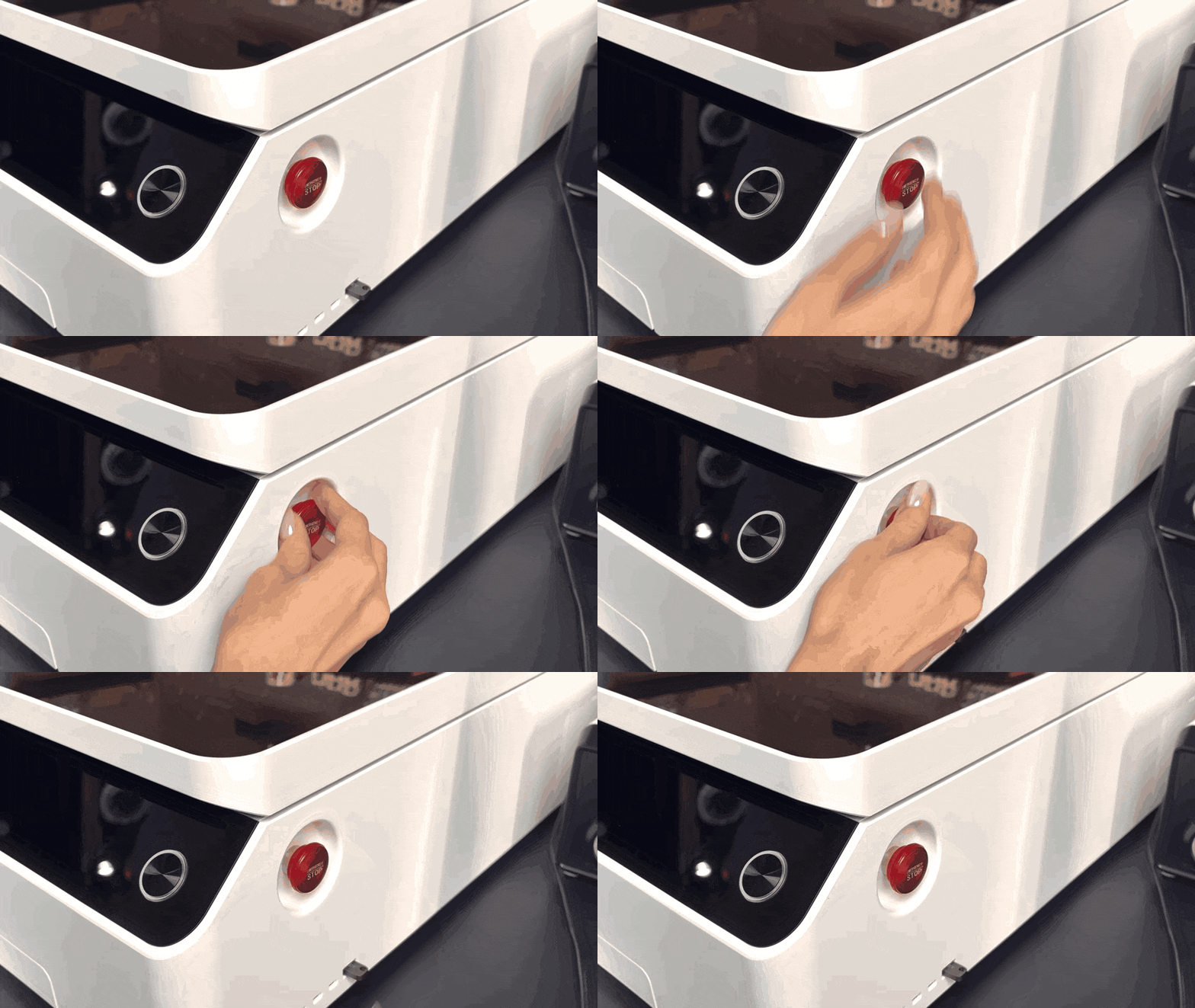
- Turn on the Main Power Switch again
- Manually home all axes