The effective processing thickness range for the Aliencell X1 series (20W/40W/60W laser modules) depends on the base configuration (Slats vs. Flat Base). These specifications are based on safe operational testing and apply to all X1 series models.
¶ 1. Material Thickness Specifications
Please determine the processing mode based on your material thickness:
| Material Thickness (T) | Processing Mode | Critical Limitations |
|---|---|---|
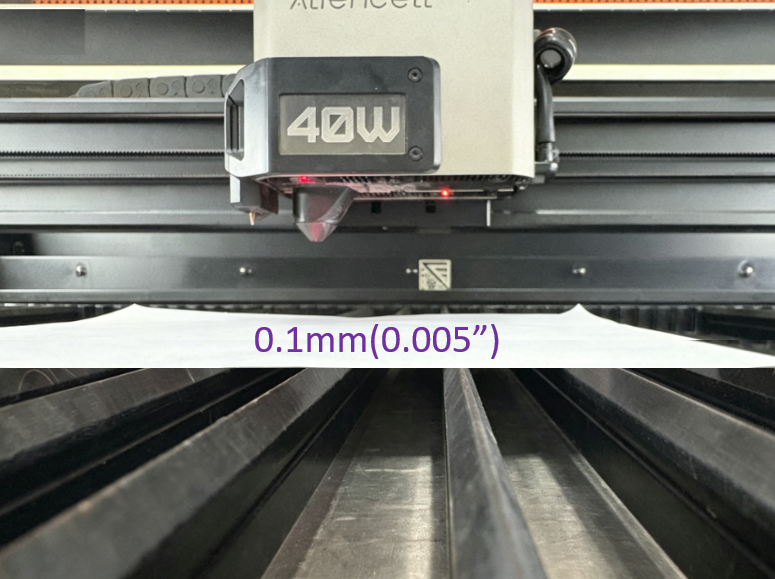
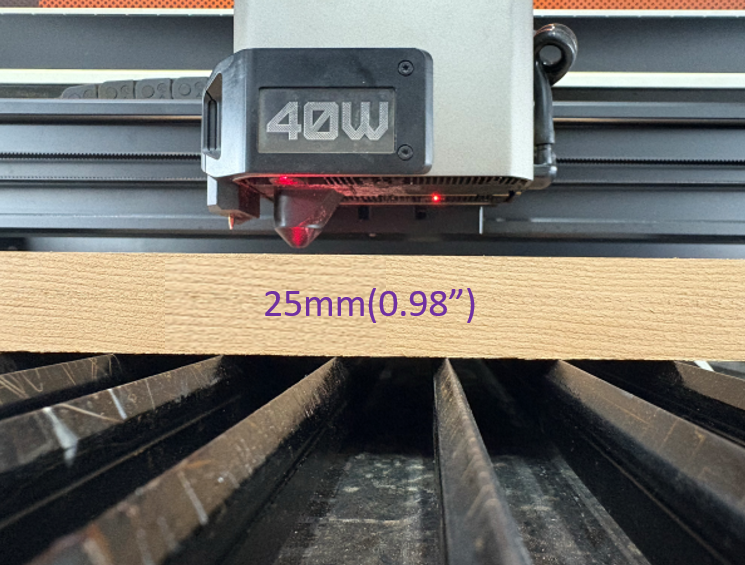
| 0.1 mm - 25 mm | Slats Mode | Supports both cutting and engraving; ensure workpiece is level. |
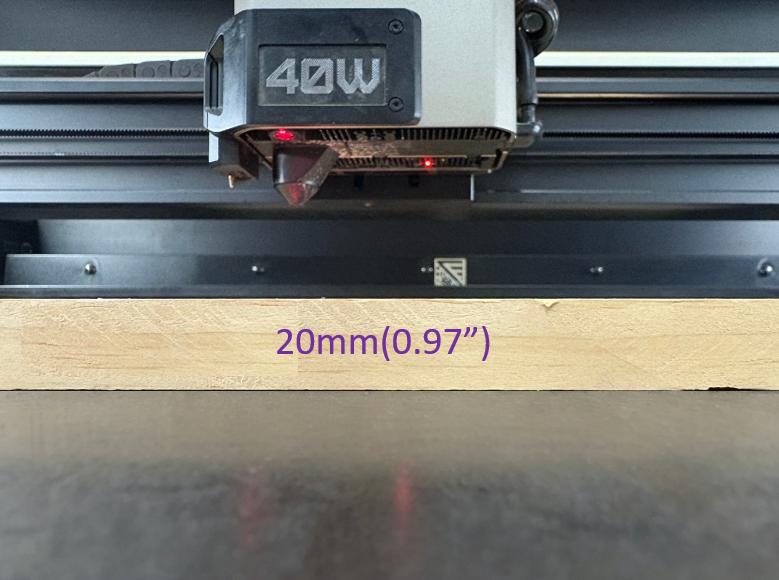
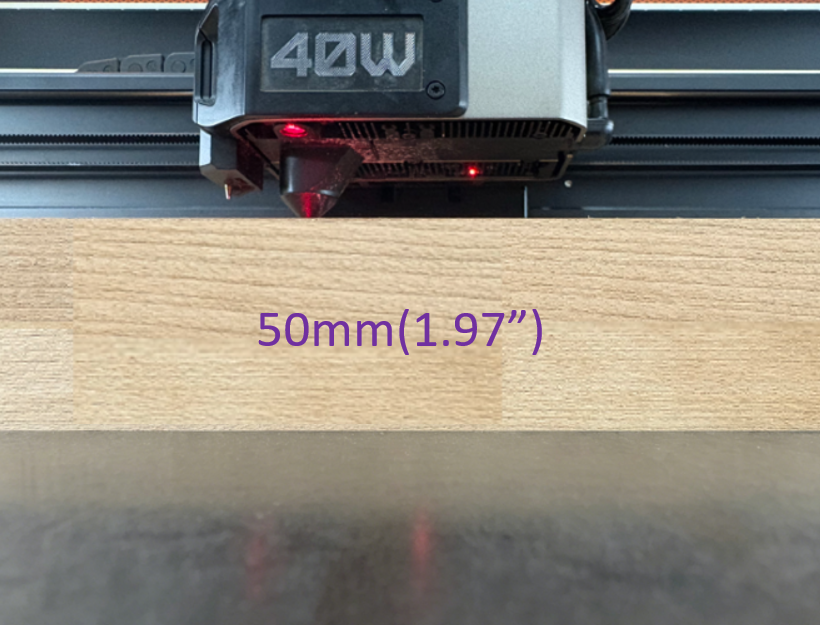
| 20 mm - 50 mm | Flat Base Mode | NO CUTTING; supports engraving and marking only. |
| > 50 mm | Out of Limits | Processing prohibited; risks collision or focus failure. |
¶ 2. Slats Support Mode
Designed for precision cutting and standard boards.
 |
 |
|---|---|
| Min: 0.1 mm | Max: 25 mm |
¶ 3. Flat Base Mode
Removes slats to provide additional vertical workspace for thicker materials.
 |
 |
|---|---|
| Min: 20 mm | Max: 50 mm |
¶ 4. Special Processing Precautions
¶ 4.1 Processing Maximum Thickness Materials
⚠️ IMPORTANT: When processing materials close to the maximum thickness, you must place the workpiece in the middle of the working area, avoiding the top-left corner.
Reason: If the workpiece is placed in the top-left corner, the laser module may descend while homing to the origin, potentially colliding with thick materials and damaging the machine.
¶ 4.2 Processing Minimum Thickness Materials
⚠️ NOTE: When processing 0.1mm flexible materials, if the probe causes a focus calibration failure, use the Current Position Measurement method.
Operation Method: Move the measurement point onto a slat for probing, and once calibrated, place the workpiece in the actual processing position.
¶ 4.3 Flat Base Mode Restrictions
- ⚠️ PROHIBITED: Performing cutting operations in Flat Base mode.
- Reason: Direct laser exposure on the base can burn the base, damage equipment, and pose fire hazards.
- This mode is strictly for surface engraving or marking thick materials only.
Above measurements:
- Limits are based on processing flat-surfaced materials.
- For uneven, curved, or irregular materials, the actual processable thickness may need to be reduced accordingly.