The Basic Parameters panel is where you'll set the fundamental settings that affect the entire job. Here you can fine-tune key parameters like laser power and speed, which directly determine the final quality of your project.
¶ Job Type
Before you adjust the specific parameters, you first need to define the job type for your object.

- Engrave: This mode marks or removes material on the surface without cutting through. Ideal for photos, text, logos, and fine surface details.
- Cut: This mode uses higher power to cut completely through the material, separating a shape from the stock.
Text and vector objects support both job types; bitmap objects can only be set to engrave.
After selecting a job type, the object's appearance on the canvas and its available parameters will change accordingly.
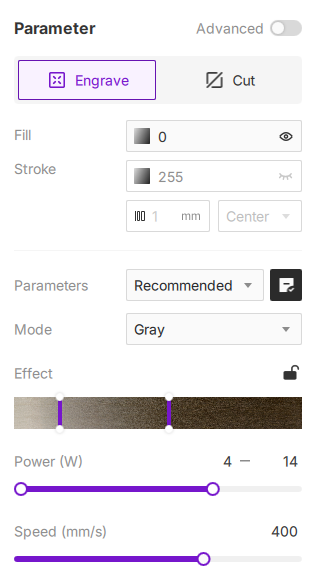
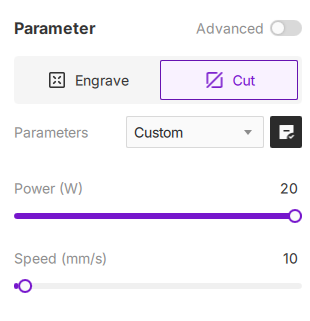
Vector Objects (shapes, lines, text): Can be set to either "Engrave" or "Cut".
Bitmap Objects (image): Can only be set to "Engrave".