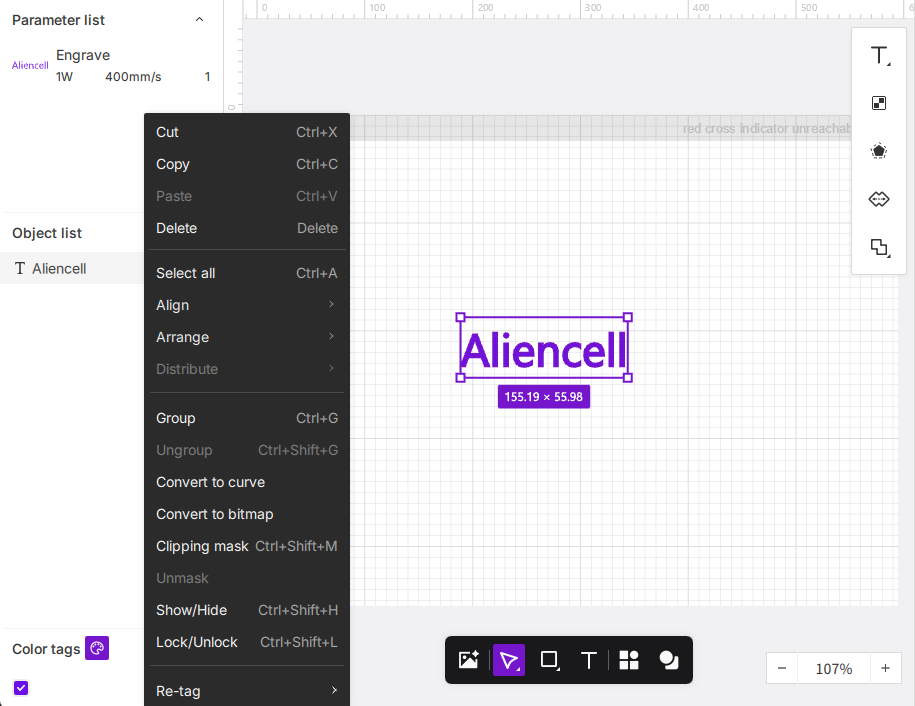
Right-clicking anywhere on the canvas opens a context menu with options tailored to your current task. There are three types of right-click menus: right-clicking on an object, on the canvas, or in the object list.
¶ 1. Right-Clicking on an Object
When you select one or more objects on the canvas or in the object list and right-click, the menu displays commonly used editing and arrangement tools.
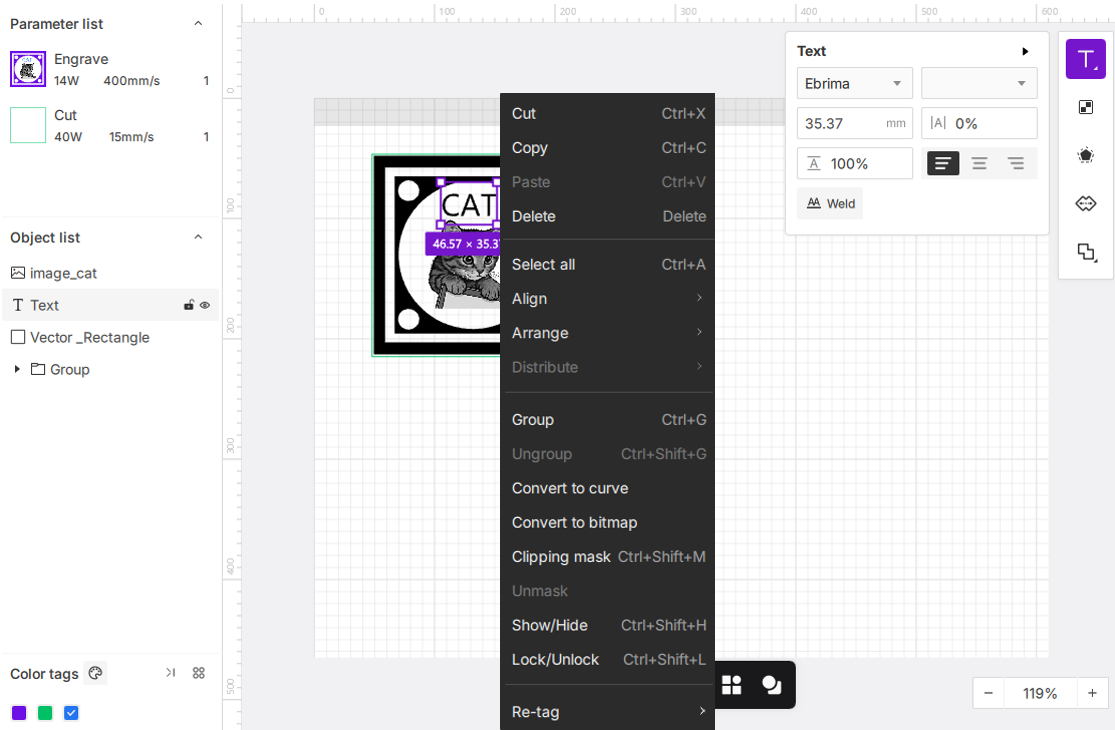
The shortcut keys shown on the right side of the menu are Windows system shortcuts. For more shortcuts, see the Keyboard Shortcuts List.
¶ 1.1 Basic Editing
- Cut
- Copy
- Paste
- Delete
- Select All
¶ 1.2 Alignment Tools
These tools help you precisely align objects with each other or with the canvas.
- Align:
Hover over Align to open a submenu that lets you align two or more selected objects.
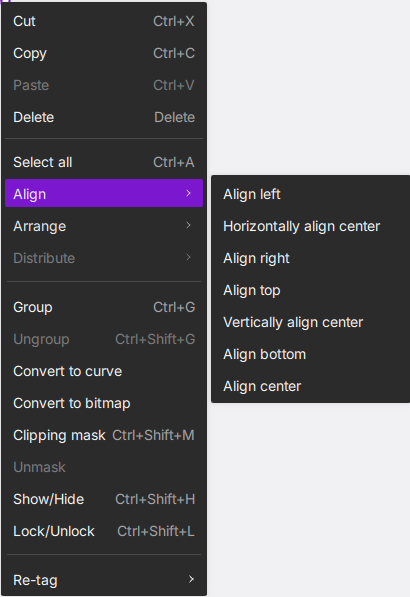
If only one object is selected, alignment uses the canvas as the reference.
-
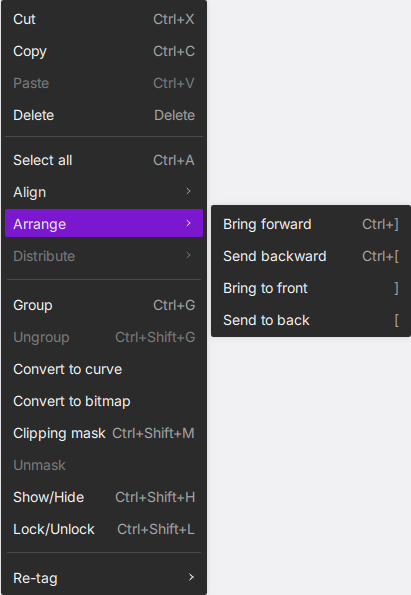
Arrange:
Hover to access options that control the stacking order (bringing objects forward or sending them backward).
-
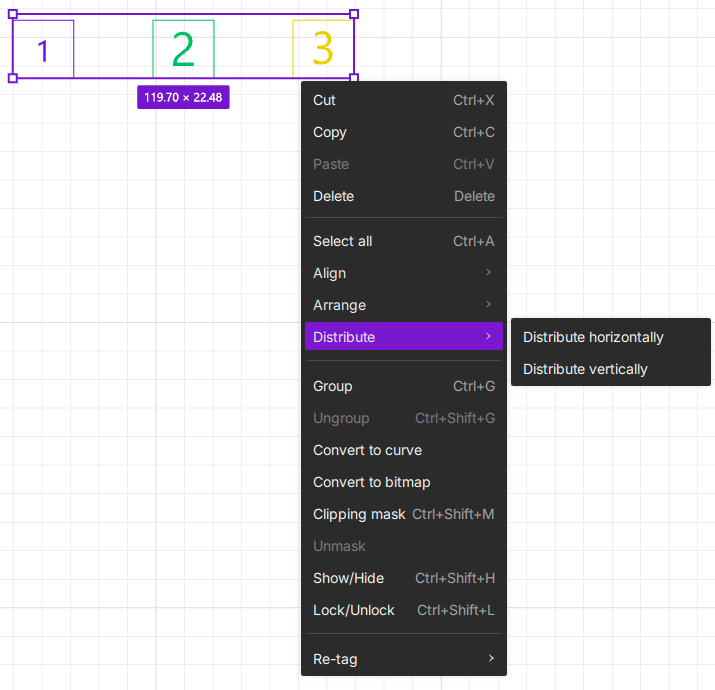
Distribute:
When three or more objects are selected, this option creates even spacing between them.
¶ 1.3 Object Management
-
Group (Ctrl+G): Combine selected objects into a single group that moves and scales as one.
-
Ungroup (Ctrl+Shift+G): Break a group back into its individual objects. This option appears grayed out when no group is selected.
-
Convert to Curves: Convert text objects into editable vector paths. After conversion, text loses its text-editing properties but gains full vector graphics editing capabilities (adjustable anchor points, modifiable path shapes). The object list label changes from "T Text" to "** Vector".
This function is only available when a text object is selected
- Convert to Bitmap: Convert vector graphics or text objects into bitmap images. After conversion, you can use image adjustment tools (levels, white limit, sharpness, brightness, contrast, invert) for pixel-level editing.
This function works with either vector objects or text objects
- Set/Release Clipping Mask (Ctrl+Shift+M): Create or remove a clipping mask that uses one object’s shape to reveal the contents of other objects.
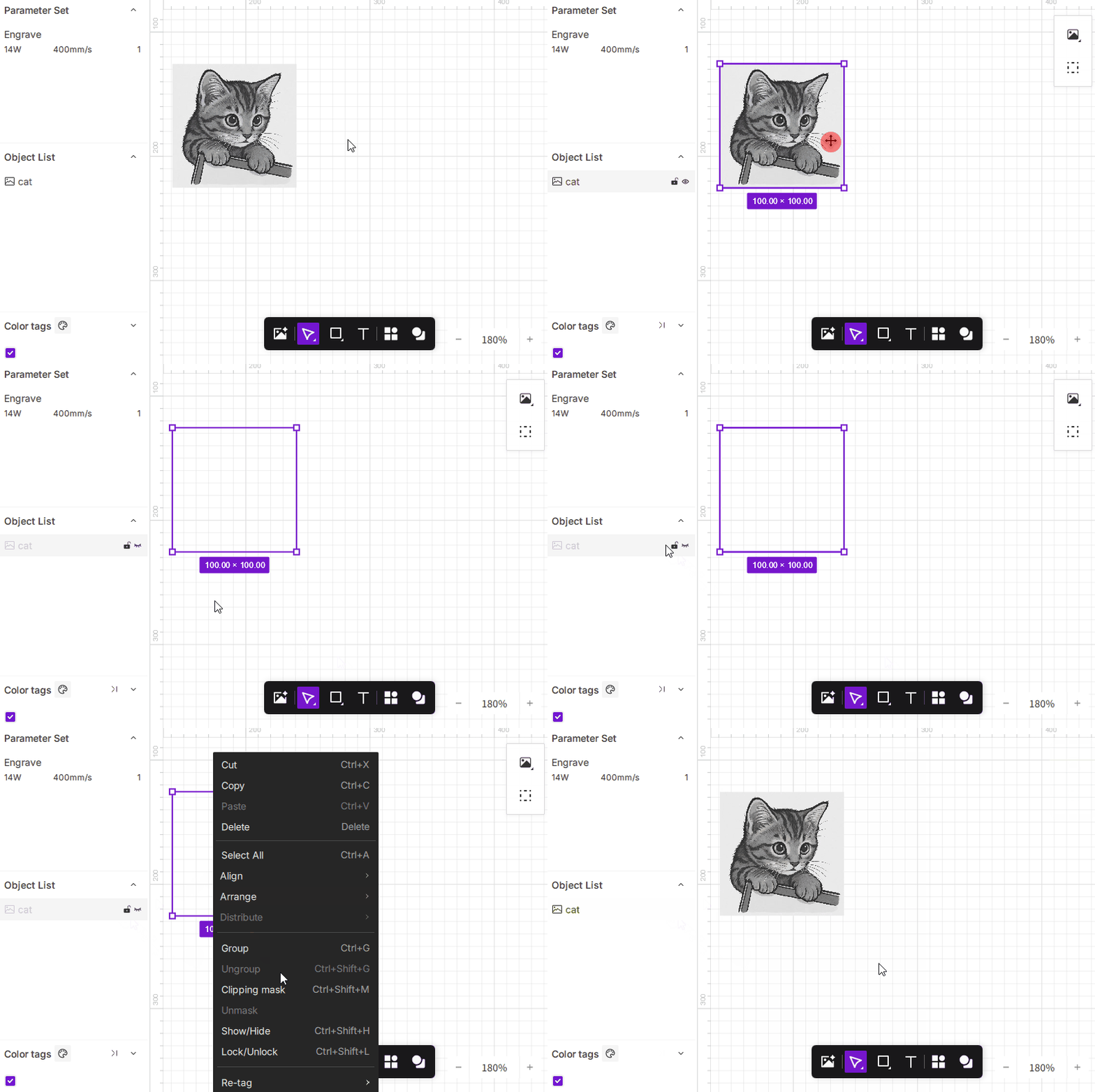
- Show/Hide (Ctrl+Shift+H): Toggle visibility of the selected objects.
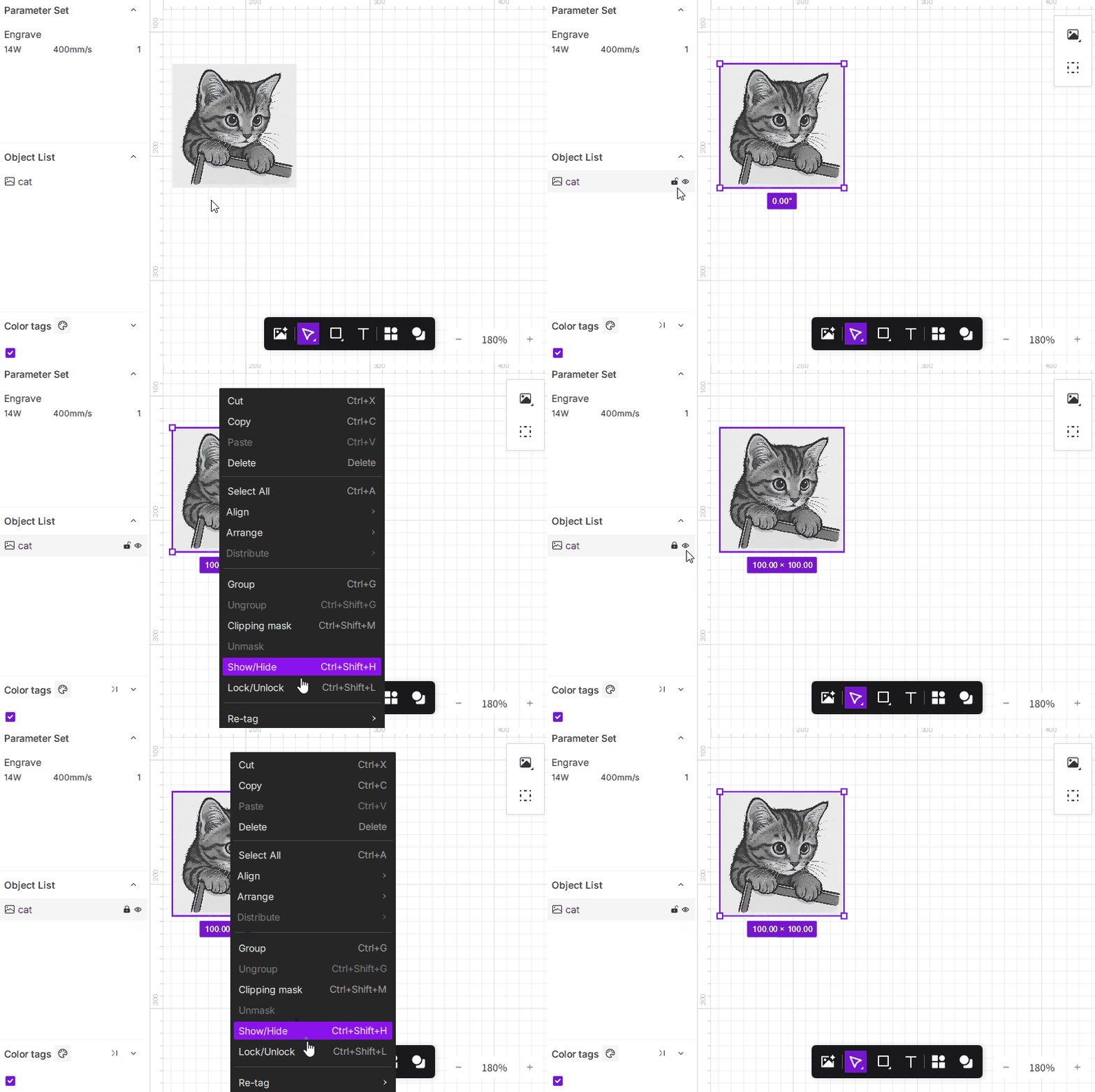
- Lock/Unlock (Ctrl+Shift+L): Lock selected objects to prevent accidental edits, or unlock them.
-
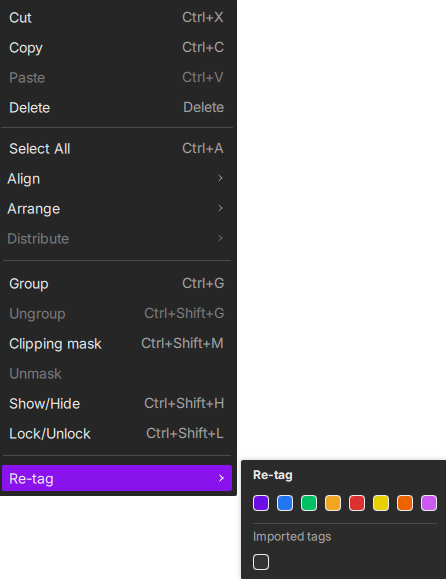
Re-Tag: Assign color tags to selected objects to help organize them during processing.
- How to Use:
Select any object, right-click, choose Re-tag, then pick a color or import a custom tag color.
- How to Use:
¶ 2. Right-Clicking on the Canvas
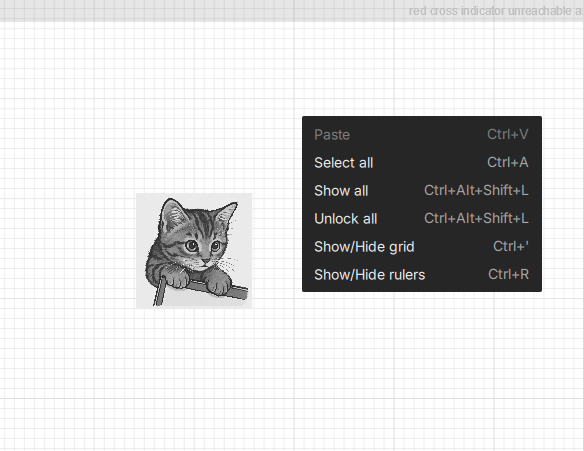
Right-clicking on an empty area of the canvas opens global editing and display controls.
¶ 2.1 Basic Object Editing
- Paste (Ctrl+V): Paste any content from your clipboard onto the canvas.
- Select All (Ctrl+A): Select all objects on the canvas.
- Show All (Ctrl+Alt+Shift+L): Make all hidden objects visible.
- Unlock All (Ctrl+Alt+Shift+L): Unlock every locked object on the canvas.
¶ 2.2 Canvas Display Tools
- Show/Hide Grid (Ctrl+'): Toggle the background grid, useful for alignment.
- Show/Hide Rulers (Ctrl+R): Toggle the rulers along the top and left edges of the canvas.
¶ 3. Right-Clicking in the Object List
The right-click options in the object list mirror the actions available when right-clicking selected objects on the canvas.