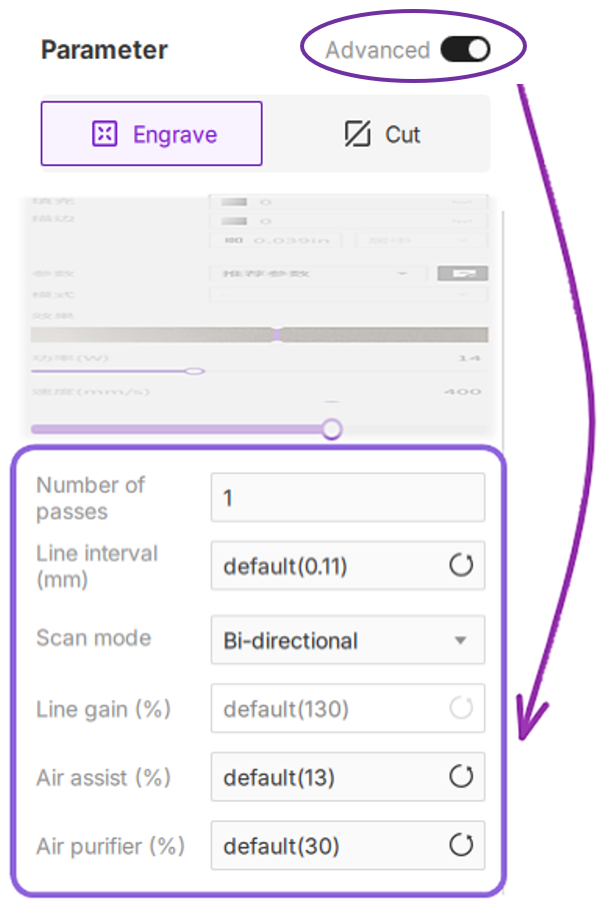
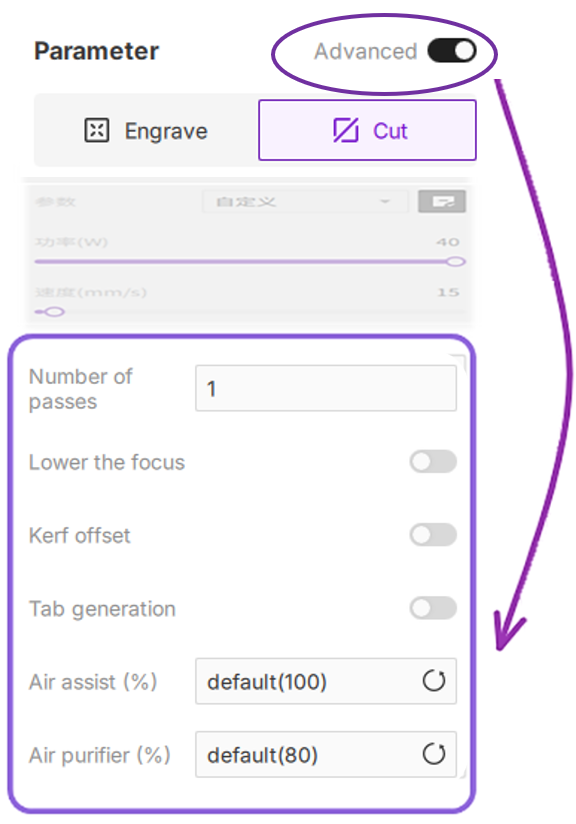
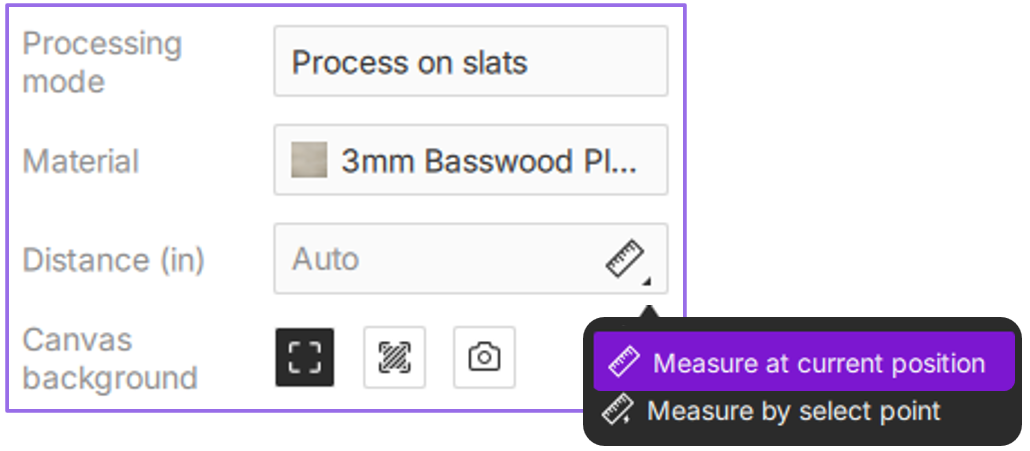
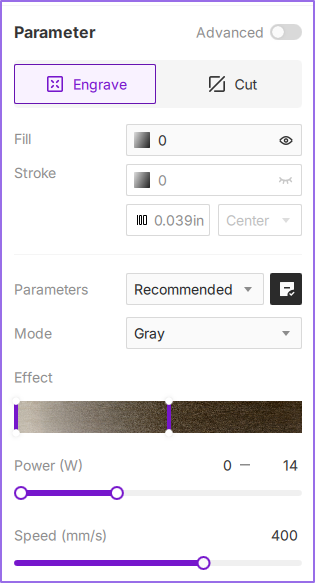
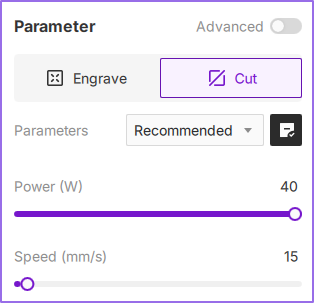
The Configuration Bar provides granular control over essential laser engraving and cutting parameters. Tailor settings to specific project types (vector or bitmap), material properties, and desired finishes. Optimizing these parameters is critical for achieving professional-grade output and maximizing workflow efficiency. This section details processing modes, material presets, distance measurement, and both basic and advanced parameter configurations.
¶ 1. Environment Configuration
¶ 2. Basic Parameters
¶ 3. Advanced Engraving Settings